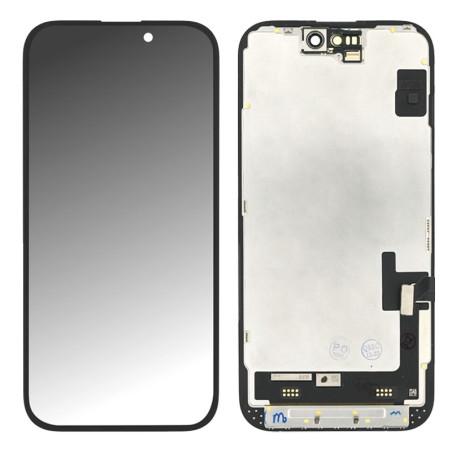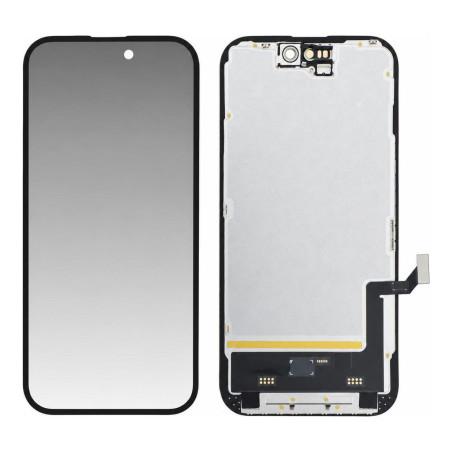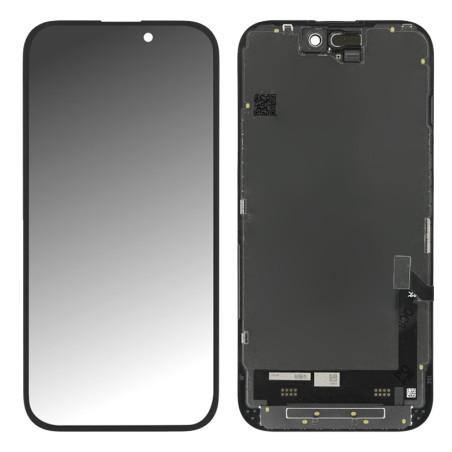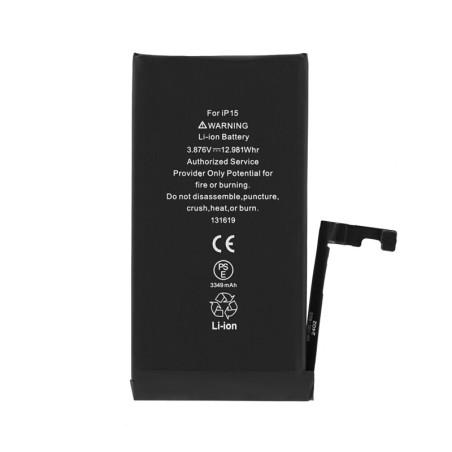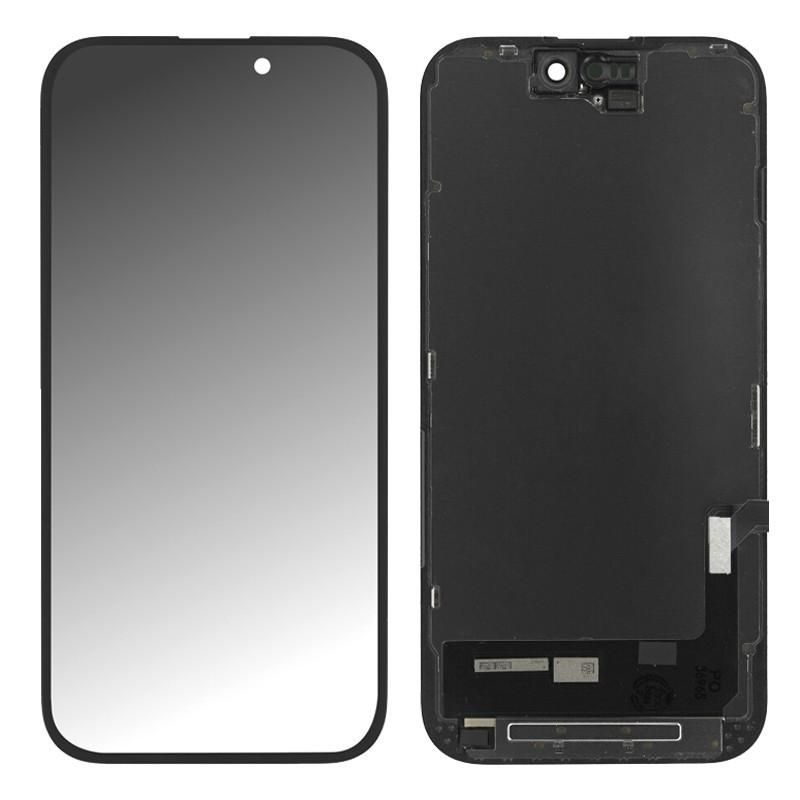
iPhone 15 Screen (Hard OLED)
iPhone 15 screen compatible with Hard OLED technology, offering deep blacks and high contrasts superior to LCD panels. The rigid glass display preserves visual quality with vibrant colors while remaining price-accessible. This screen delivers sharp content for videos and games, compatible with True Tone if transferred. 2-year warranty, tested before shipment to ensure compatibility with your device.
Accessories
Why Choose a Hard OLED Display for iPhone 15
The iPhone 15 screen you are about to order uses Hard OLED technology, a rigid display mounted on a glass substrate. Unlike backlit LCD screens with constant backlighting, this technology produces its own light pixel by pixel, which creates truly deep blacks and unmatched contrast. Colors are vibrant, touch responsiveness is instant, and the display remains sharp from every angle. It is the ideal compromise between original OLED display quality and a controlled price.
The rigidity of the glass substrate makes this display more resistant to shocks than flexible versions of the same type. For a replacement screen, this is an advantage: you get OLED technology without the added fragility. HDR10 display and Dolby Vision compatibility remain as standard, along with True Tone support if you transfer this function from your old screen. Energy consumption is more efficient than an LCD screen, which preserves your battery life.
iPhone 15 Compatible Screen: What You Need to Know Before Ordering
This part is designed for iPhone 15 only. A compatible screen is not original Apple: it is manufactured by a third party specializing in repair, individually tested, and delivered ready to be installed. It has undergone no refurbishment treatment; it is a new part that offers an economical alternative to the original while maintaining superior display quality to budget LCD screens.
Before installing it, verify that your old screen bears the iPhone 15 reference on its connector ribbon. Physical compatibility is guaranteed, but only this visual check removes any doubt. Expect installation to take 30 to 60 minutes at a workshop: the work consists of removing the old screen, cleaning the frame, and gluing the new one with fresh adhesive. No specialized tools are required beyond a heat spatula and a screwdriver.
Package Contents and Installation
You receive the complete Hard OLED screen, that is, the display and its touch layer assembled, with the connector ribbon ready to plug into your iPhone 15 motherboard. The screen arrives mounted on its frame and protected by a plastic film. Before installation, carefully remove this film: dust under the glass would make the display grainy and force you to start over.
Installation requires removing the old screen with heat, cleaning adhesive residue with mild solvent, and applying a bead of fresh adhesive on all four sides of the frame before pressing the new screen in place. Then let it dry for 24 hours before using the device. If you are not comfortable with this operation, have it installed by a professional: a poorly glued screen will come loose quickly.
Warranty and Manufacturing Quality
This part comes with a 2-year warranty from the shop. Each screen is individually tested before dispatch to verify display quality, absence of dead pixels, and proper touch function. Manufacturing defects are covered by this warranty: dead pixel, color line, loss of touch sensitivity, or display failure detected within two years of purchase. However, damage caused by improper installation or a drop after installation is not covered. Keep your proof of purchase for any claims.
How to Recognize a Damaged Screen on iPhone 15
A failing screen manifests itself with color lines running across the display, dead areas that do not respond to touch, an abnormal tint that persists even after shutdown, or a complete absence of image despite the phone restarting normally. If the screen displays visible cracks from the outside or if the display flickers for no reason, replacement becomes unavoidable. A low battery or failing software can also cause strange display behavior: charge the device and force a restart before concluding that the screen has failed.