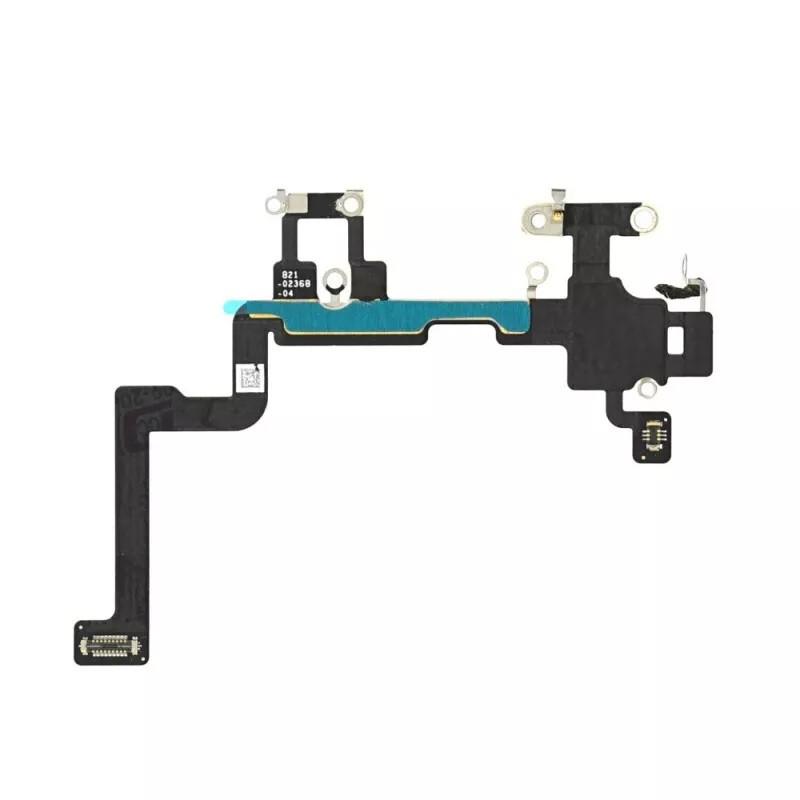
Wi-Fi Antenna Cable For IPhone 11
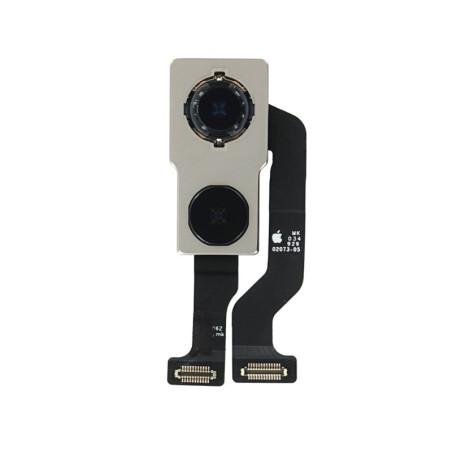
Restore a stable and efficient Wi-Fi connection on your iPhone 11 with this compatible Wi-Fi antenna cable . Ideal for resolving weak signal or no connection issues, this high-quality part guarantees optimal reception, essential for the smooth operation of your device. Easy to install, it is perfect for a professional repair . Choose this antenna cable to extend the life of your iPhone 11 and regain uninterrupted browsing, while maintaining original network performance.
Accessories
This compatible iPhone 11 Wi-Fi antenna cable is designed to restore your device's wireless network performance. If you experience decreased Wi-Fi range, connection drops, or a weak signal, this component is an ideal solution to restore fast and reliable connectivity.
Technical Specifications:
- Full Compatibility: Specifically designed for the iPhone 11, ensuring seamless integration and optimal performance.
- High Quality: Made with durable materials to ensure increased durability.
- Restored Functionality: Fixes Wi-Fi signal and unstable connection issues.
- Precise Design: Allows easy installation and precise fit with other internal components.
Why Choose This iPhone 11 Wi-Fi Antenna Flex Cable?
- Optimized Connectivity: Restore strong and stable Wi-Fi reception for all your online activities.
- Guaranteed Compatibility: Designed to work perfectly with your iPhone 11, without compromising on performance.
- Durable Solution: Manufactured to high quality standards for long-term use.
- Simple Installation: Easy to install for users familiar with electronic device repairs.
When to Replace the Wi-Fi Antenna Flex Cable on Your iPhone 11?
- Weak Wi-Fi Signal: If your device often loses signal or does not pick up available networks.
- Unstable Connection: If there are frequent interruptions or unusual slowness when browsing online.
- Physical Damage: Following a fall or repair that affected the Wi-Fi antenna.
Installation Tips:
- Prepare your device: Turn off your iPhone and carefully disassemble the necessary components.
- Position the cable precisely: Ensure perfect alignment for optimal operation.
- Test connectivity: Before closing the device, check that the Wi-Fi is working properly.