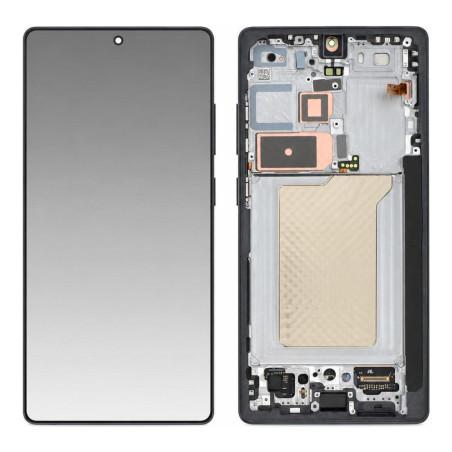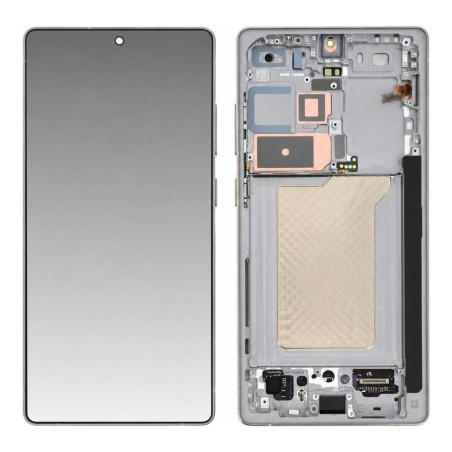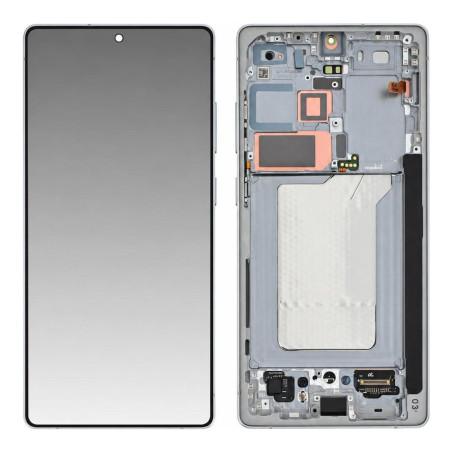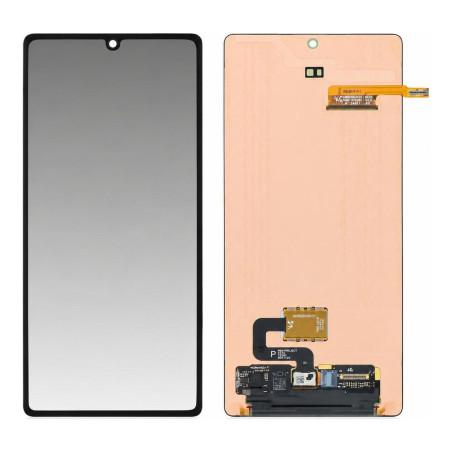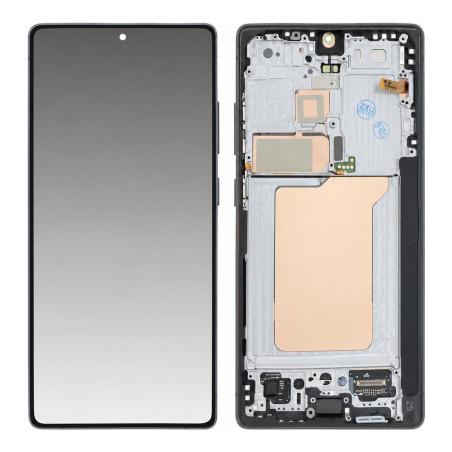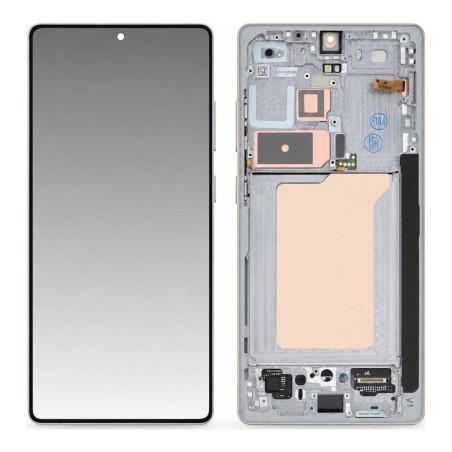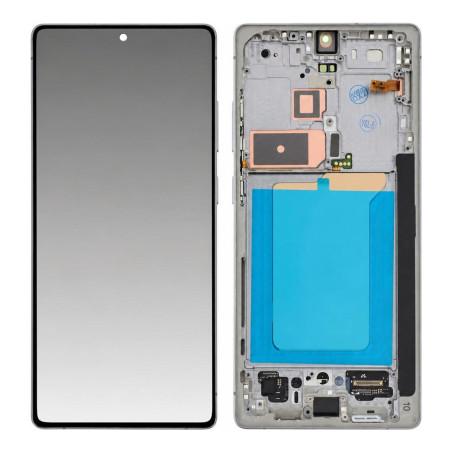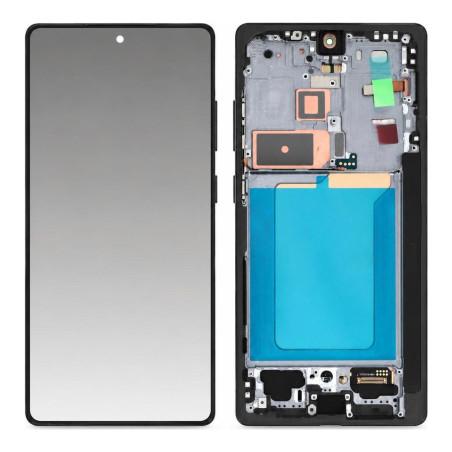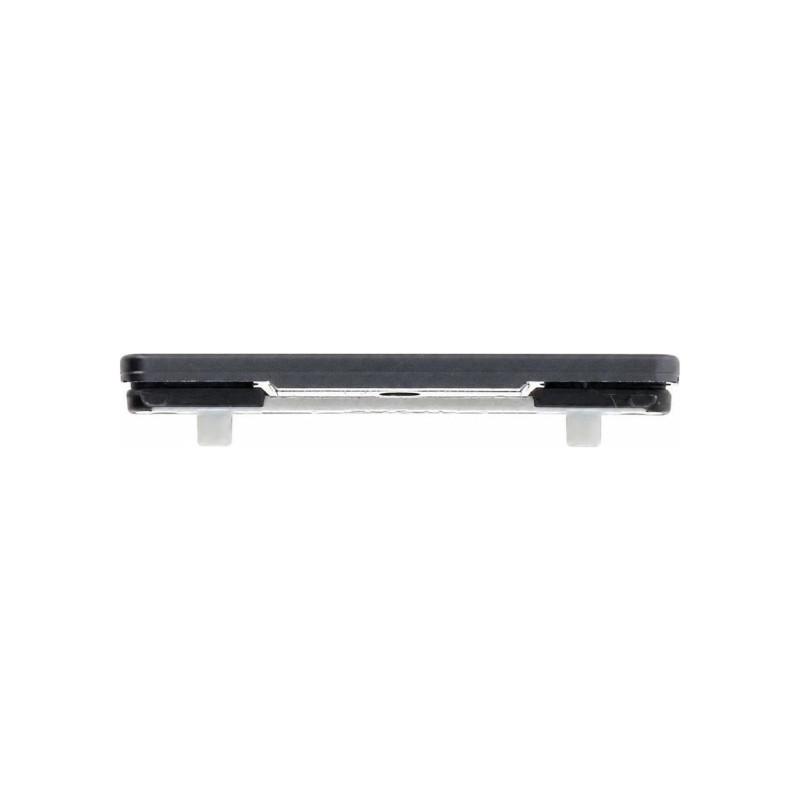
Volume Button Samsung Galaxy S25 Ultra Black (Service Pack)
Volume button for Samsung Galaxy S25 Ultra in black, original manufacturer part supplied in Service Pack. This external button is rigorously identical to the one fitted to the device at factory release and guarantees total compatibility with your device. Tested and validated according to Samsung technical specifications, it restores your phone's original performance. Enjoy a 2-year warranty and order with confidence.
Accessories
Recognizing volume button wear
The volume button on the Samsung Galaxy S25 Ultra wears out over time, particularly after years of intensive use. The first signs are clear: the button no longer responds to pressure, is difficult to press, remains stuck, or produces abnormal crackling. In advanced cases, it disappears completely or detaches from its housing. These failures make it impossible to control sound and video volume, an essential daily function. Replacing this component immediately restores this control and its original ergonomics.
This button in black is installed on the side of the device, right side. If replacement becomes necessary, this model reproduces exactly the one that equips the phone from the factory.
Quality Service Pack: what does this mean
The Service Pack is Samsung's official designation for spare parts delivered to authorized technicians. This part is original equipment, tested and packaged under professional repair conditions. It bears the exact manufacturer reference GH98-49806D, engraved or marked, which allows the technician to verify correspondence before any intervention.
Unlike refurbished parts, no element of the button has been replaced or regenerated. You receive a new component, compliant with the technical specifications that Samsung imposes for its assembly lines, delivered in its repair packaging. This traceability and rigorous control limit failures after installation and preserve the device's performance.
Compatible only with Galaxy S25 Ultra
This button is designed for the Samsung Galaxy S25 Ultra only. Before placing any order, verify that your model matches this one: you will find it in the device settings under "About phone". The internal technical model is the S938B, but it is the name "Galaxy S25 Ultra" that appears in your documentation.
Other models in the Galaxy S25 range (S25, S25 Plus) or previous generations cannot use this component. The attachment interface, shape and electrical contacts differ from one model to another. Installing it on an incompatible device could damage the button housing or adjacent electronics.
Warranty and quality control
This part benefits from a 2-year warranty against any manufacturing or operating defects. It was checked at the end of the production line according to Samsung's strict criteria, with verification of mechanical fit, electrical continuity and resistance to repeated pressing cycles.
If the button has an original defect within the covered period, you can have it replaced. This upstream control significantly reduces the risk of failure after installation.
Installation and essential precautions
Installing this button requires access to the phone's central chassis. It is generally necessary to remove the rear glass, disconnect the ribbons, then extract the failing button from its housing and slide the new one in its place. Screws must be tightened with an appropriate screwdriver, preferably magnetized or anti-static to prevent the screw from being lost. Avoid any contact with surrounding electronic components: an electrostatic discharge could damage the motherboard.
If you are not trained in this procedure, entrust the replacement to an authorized technician. Improper handling could damage the housing, contacts or other phone components.