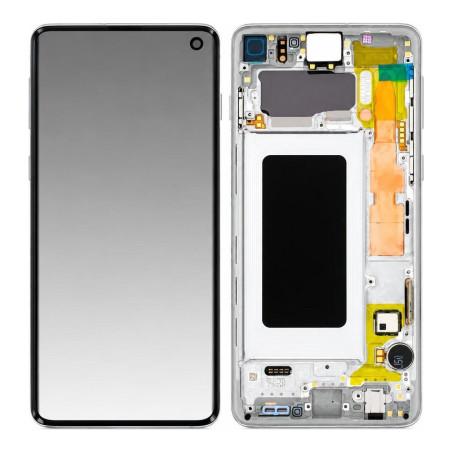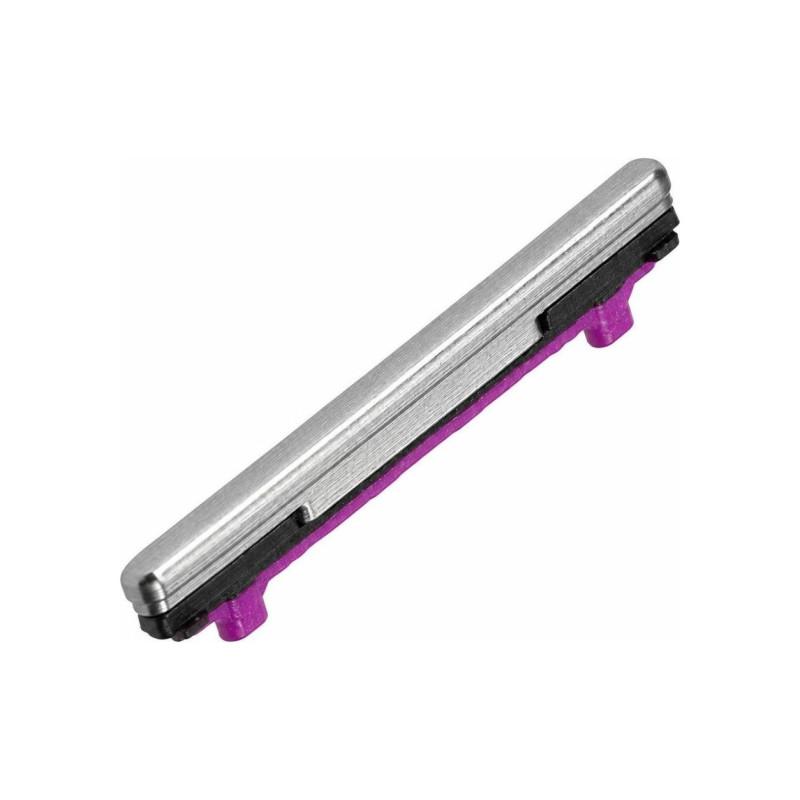
Volume Button Samsung Galaxy S10 White (Service Pack)
Volume Button for Samsung Galaxy S10, original manufacturer part delivered in Service Pack. This packaging, reserved for professional repair, guarantees a new part with no prior treatment. The White color matches the original device. Simple installation on the side chassis, no soldering required. 2-year warranty from date of purchase.
Accessories
Samsung Galaxy S10 Volume Button: When to Replace It
The Volume button on the Samsung Galaxy S10 wears out over time. You may notice it no longer responds, requires multiple presses to increase or decrease volume, or becomes stuck in the pressed position. These signs indicate it is time to replace it. This button undergoes thousands of presses each year: gradual wear of the internal mechanism is normal, and changing it restores immediate access to volume controls.
This genuine manufacturer part, supplied in a Service Pack, is the exact component Samsung installs in its repair workshops. It guarantees identical performance to the original button, with no compromise in quality or responsiveness.
Volume Button Service Pack Specifications
The Volume button in this Service Pack is a genuine manufacturer part supplied in Samsung's repair packaging. The White colour matches exactly that of your Galaxy S10. Delivered tested and checked, it installs directly onto your device's chassis without requiring any adaptations.
The manufacturer reference GH98-43731B precisely identifies this component. This reference allows you to verify before ordering that you have the compatible model. A failing Volume button affects your daily experience far more than one might imagine: this part restores it to you.
Compatible with Samsung Galaxy S10
This Volume button is designed for the Samsung Galaxy S10, model G973. It fits this device and this device alone. If you own a Galaxy S10e or Galaxy S10 Plus, consult the corresponding product sheets to find the Volume button suited to your exact model.
Before ordering, verify on your old button or in your purchase documents that your device is indeed a standard Galaxy S10. This check prevents a return shipment and allows you to install the part without delay.
Service Pack: What This Source Means
The Service Pack is the official packaging Samsung uses to equip its authorized repair centres. You receive a new genuine manufacturer part, supplied with standard replacement materials (assembled part, ready to use). No processing, no refurbishment: this is the component Samsung sells to repair professionals.
This 2-year warranty applies to this part upon receipt. It covers any manufacturing or material defect. You benefit from the same coverage as if you had had your Galaxy S10 repaired at an official Samsung centre.
Installation and Precautions
Installing the Volume button requires care, but does not require specialized equipment. You must access the sides of the Galaxy S10 and remove the worn button before inserting the new one. If you are not comfortable disassembling a phone, a professional repairer will complete this operation in a few minutes.
The button must click firmly into its housing. Test it several times after installation to verify it responds immediately to each press, without play or abnormal resistance. Avoid shocks or drops while handling the chassis.