Volume Button Samsung Galaxy S10 (Service Pack)
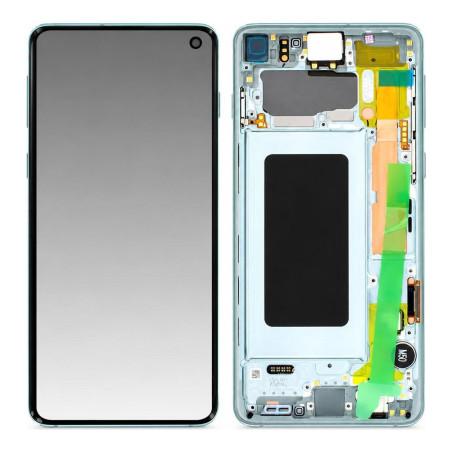
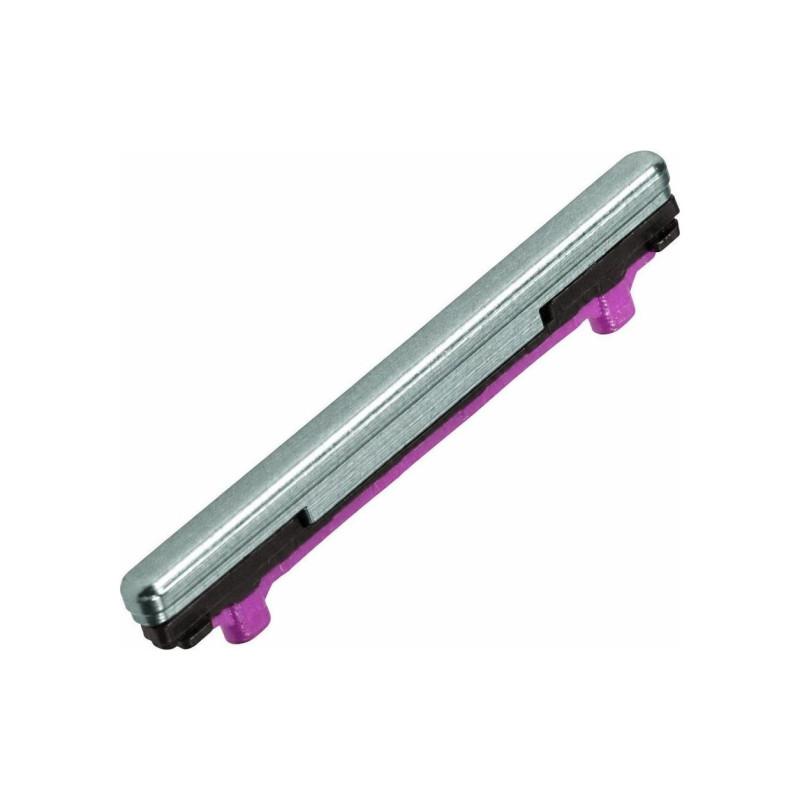
Volume Button for Samsung Galaxy S10, original manufacturer part supplied in Service Pack. This original Samsung packaging contains the new part, with no processing or replacement. Color Green, compatible with model G973. The part is tested before shipment and comes with a 2-year warranty.
Accessories
When to Replace the Galaxy S10 Volume Button
The Galaxy S10 volume button wears down over time, especially if handled frequently. You will notice that it no longer responds to presses, that it remains stuck, or that volume adjustment becomes random. If the button depresses too easily without a firm contact point, or if it no longer springs back correctly after a press, it is time to replace it. This button, used daily, eventually loses its mechanical responsiveness, and prompt repair prevents the part from breaking completely inside the chassis.
Galaxy S10 Volume Button in Service Pack
This volume button is an original Samsung part supplied in Service Pack, the brand's official repair packaging. Unlike an ordinary part, the Service Pack carries the same factory specifications without having undergone further treatment. The exact part number is GH98-43731E. The color is green, which means the button retains exactly the front color of the Galaxy S10, with no shade shift or discoloration upon installation.
Compatible with Galaxy S10 Only
This volume button corresponds strictly to the Samsung Galaxy S10 G973. The Galaxy S10 Plus G975 shares the same part number, which means the button can fit this variant, but this product sheet concerns the Galaxy S10 in its standard version. If you own a Galaxy S10e or a more recent model from the S series, verify the model engraved on your old phone before ordering, as successive generations use different buttons.
Simple Installation and Removal of the Existing Button
Replacing the volume button does not require complete disassembly. You must first remove the worn button by gently pushing it from inside the chassis, which requires access to the side frame. The new button then fits into its housing on the front panel, aligning the retaining pegs properly. No special tools are necessary, but fine tweezers or a small flathead screwdriver make removal of the old button safer. Be careful not to lose the small spring pins that hold the mechanism in place.
Warranty and Quality Control
This button comes with a 2-year warranty from the date of purchase. Each part is tested before shipment to ensure the mechanism works correctly and the button has no cosmetic defects. Upon receipt, verify that the button retains its mobility and contact point, and that the color matches the green advertised.