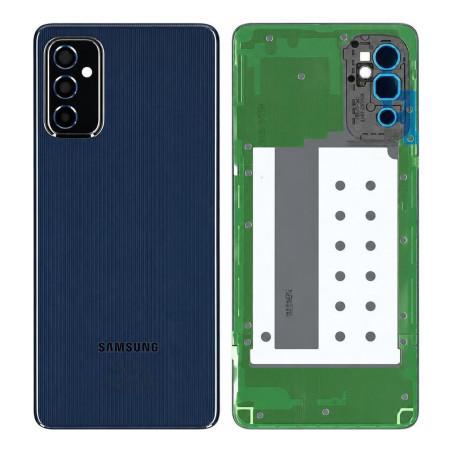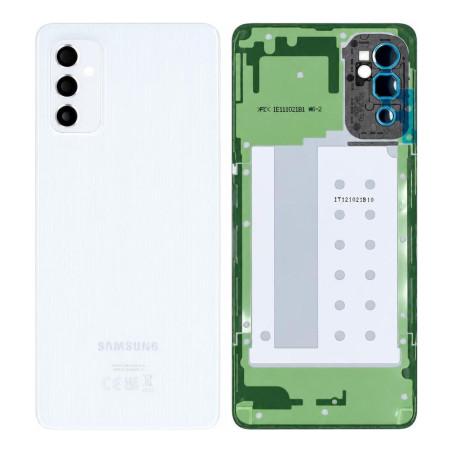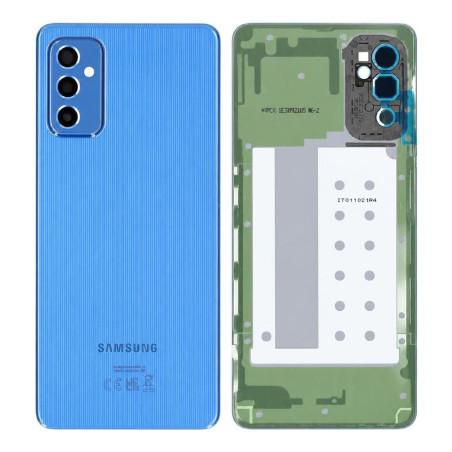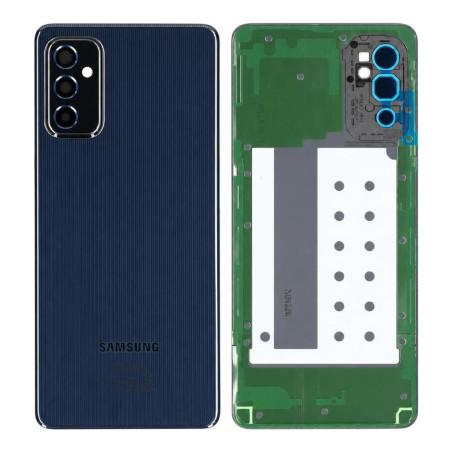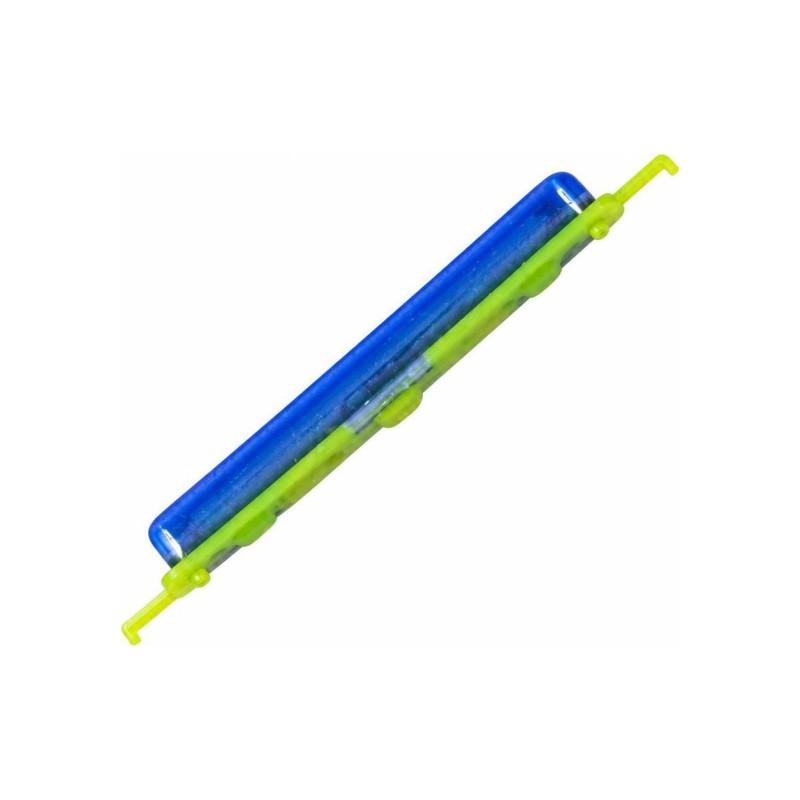
Volume Button Samsung Galaxy M52 5G Blue (Service Pack)
Samsung Galaxy M52 5G Blue Volume Button, original manufacturer part delivered in Service Pack. This button replaces the damaged or worn element of your device, while preserving original ergonomics and responsiveness. Ready to install, it restores full access to volume adjustment functions.
Part tested before shipment to ensure reliable operation. Compatibility verified for Samsung Galaxy M52 5G. Includes a 2-year warranty from installation.
Accessories
Volume Button Samsung Galaxy M52 5G Blue in Service Pack Packaging
The Volume Button for Samsung Galaxy M52 5G in Blue is an original manufacturer part supplied in Service Pack packaging. This control button is one of the common wear elements on smartphones: after several months or years of intensive use, it can become difficult to press, sticky, or stop responding to presses. When the volume no longer adjusts correctly, this component is what needs to be replaced. This part bears the manufacturer reference GH64-08653B and installs directly onto the chassis without specialized tools.
Part Quality and Manufacturer Packaging
This button comes directly from Samsung and arrives in the manufacturer's service workshop packaging. Service Pack packaging is the type used by official repair centers: more compact than a retail box, it contains only what is necessary for the technician. The part itself has undergone no treatment, no repair, it is new and complies with Samsung specifications.
Compatible with Which Model
This button is designed for the Samsung Galaxy M52 5G in M526 version. Other models in the Galaxy range (A53, A55, M33, M12) use different references and have their own listings in the catalog. Before ordering, verify that your device clearly shows Galaxy M52 5G on its back cover or in the system settings, "About phone" section.
Installation and Precautions
Installing the button requires removing the phone's side chassis, which means unclipping or unscrewing the back cover depending on the model. Once the housing is open, the old button is removed by simple extraction, and the new one is put in place in seconds. No glue, no adhesive is necessary. If you entrust this operation to a repair technician, allow between 15 and 30 minutes depending on their experience. An antistatic (ESD) wrist strap is recommended if you handle the open phone yourself, to prevent electrostatic discharge.
Warranty and Service Life
This part comes with a 2-year warranty from the date of receipt. In the event of proven manufacturing defect, the part will be replaced. After installation, the button restores the original ergonomics and sensitivity of the Galaxy M52 5G, and its service life is identical to that of the factory component.