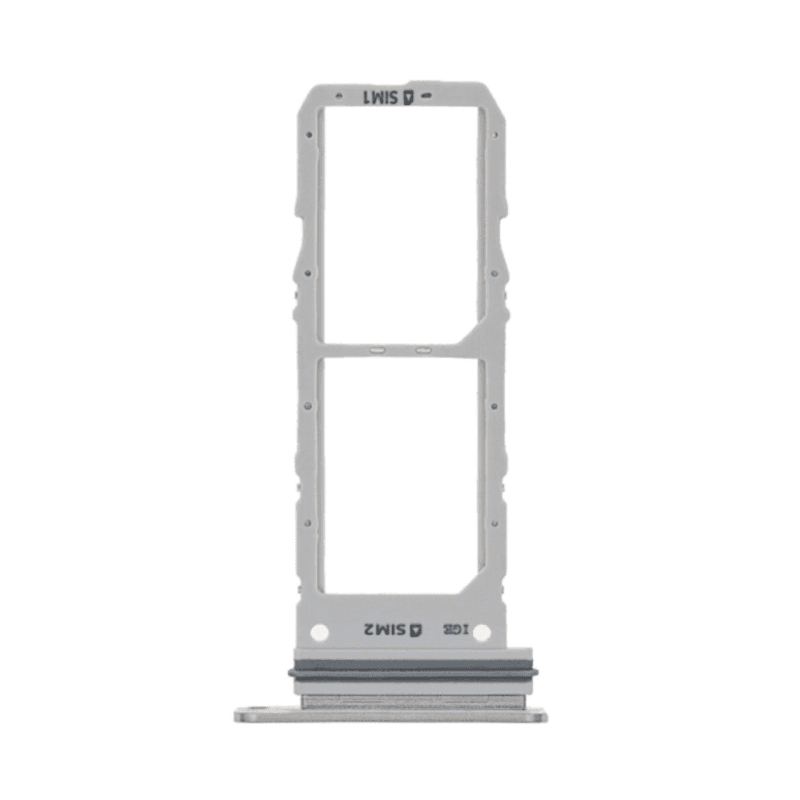
SIM Tray Samsung Galaxy Note 10 Silver
Samsung Galaxy Note 10 Silver SIM Tray, compatible and ready to use. This tray accepts one SIM card and ensures reliable connectivity on your Galaxy Note 10. Designed to fit perfectly into your device's housing, it offers a secure locking mechanism. The Silver finish matches your phone's original design. Tested before shipment to ensure flawless compatibility. Covered by a 2-year warranty.
Accessories
Compatible with Samsung Galaxy Note 10
The Samsung Galaxy Note 10 Silver SIM Tray allows your phone to recognize and use your SIM card. This tray, a compatible part, installs easily in place of a damaged or defective one. If your Galaxy Note 10 refuses to detect your SIM card, no longer reads the chip, or displays an error message, replacing the tray generally solves the problem.
Color and Silver Finish
This part comes in Silver finish, identical to the original Galaxy Note 10 versions. You will find the exact appearance of a new phone after installation. If your Galaxy Note 10 has the factory Silver finish, this tray integrates perfectly without creating any color contrast when removed.
Compatible Quality and Tested Reliability
The compatible SIM Tray on this page is manufactured to work with the Samsung Galaxy Note 10 N970. Unlike original manufacturer parts, this tray comes from a third-party manufacturer certified for compatibility. It receives the same functional checks as a factory part: correct SIM card reading, reliable retention spring, precise fit in the phone's housing. This level of quality allows you to offer an economical solution to your customers without sacrificing durability.
Two-Year Warranty
This part benefits from a 2-year warranty granted by the shop. It covers functional defects: broken spring, intermittent SIM card detection, premature wear. Keep your purchase receipt to assert this protection in case of problems.
Order Contents and Installation
You receive only the SIM Tray. Its installation takes a few seconds: insert the SIM ejection tool provided by Samsung (or a fine needle) into the small hole located on the side of the phone, maintain slight pressure until the tray spring pops out, then remove it gently. Place your SIM card in the grooves of the new tray, reinsert it horizontally into its housing until you hear the closing click. No tools, glue, or phone disassembly are necessary.
Before Ordering: Check the Exact Model
The Samsung Galaxy Note 10 exists under several references: N970 in Europe, N975 for the Galaxy Note 10 Plus. This page concerns the Galaxy Note 10 N970 exclusively. Find your phone's model in Settings > About Phone > Model Number. If you own a Note 10 Plus or another Galaxy Note, consult the page corresponding to your device to avoid an incorrect order.