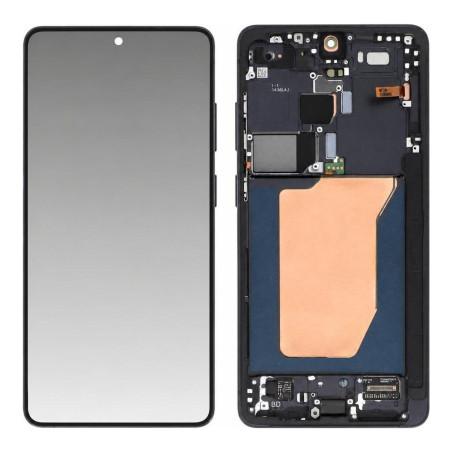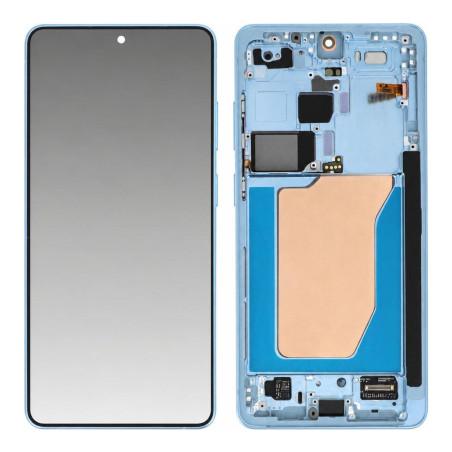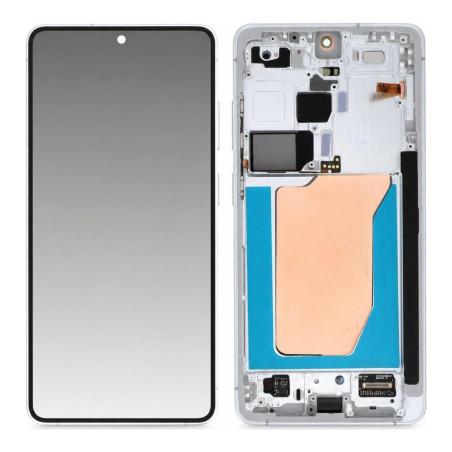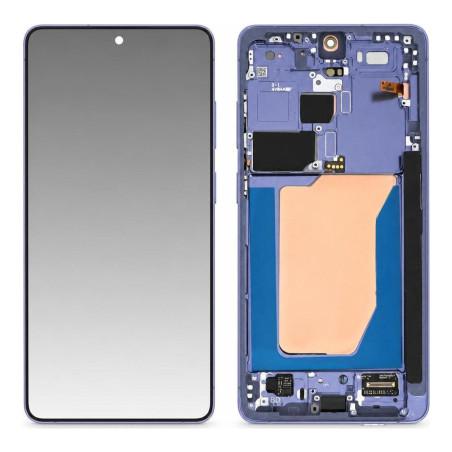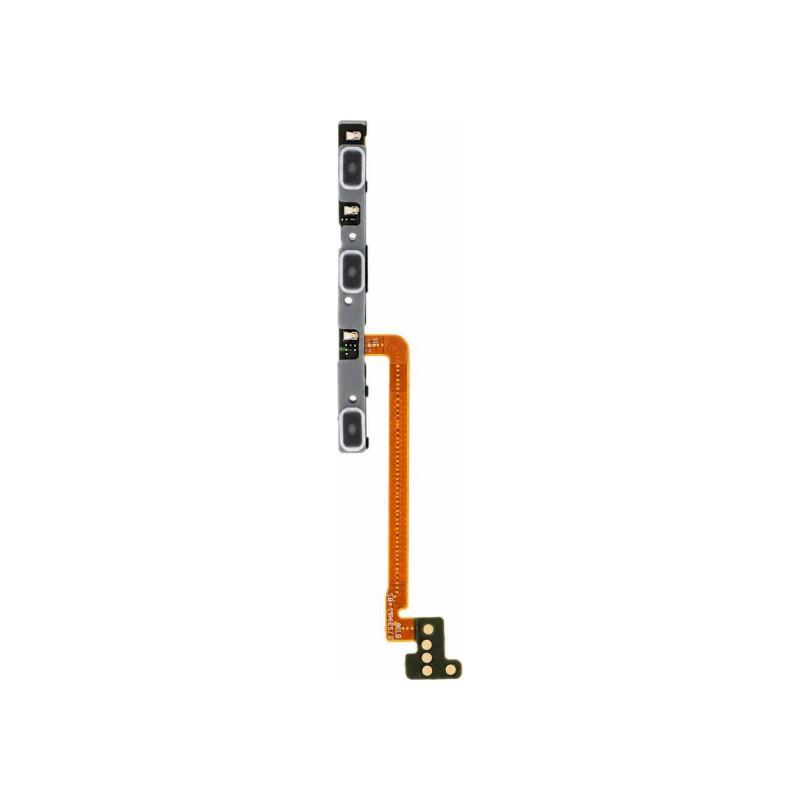
Samsung Galaxy S26 Ultra Power Flex Cable
Power Flex Cable compatible with Samsung Galaxy S26 Ultra, the part that controls the device's on/off button. This is a compatible part, manufactured by a third party and not an original manufacturer part: each batch is subject to a quality control check before being put into stock, for a low return rate validated over several test cycles. A reliable solution to replace a faulty or unresponsive power button, at a controlled repair cost. Product covered by a 2-year warranty.
Accessories
How do you know the Power flex cable is at fault?
On a Galaxy S26 Ultra, the power button also locks the screen and turns the device off. When it becomes soft, only responds to every other press, or the screen refuses to turn on while the battery charges normally, the flex cable connecting this button to the motherboard is the most common suspect, even before considering a screen or battery issue.
This flex cable also carries the volume control: skipped clicks or a stuck button point to the same part.
A compatible part: what that changes
This Power flex cable is listed as Compatible: it is not taken from an original Galaxy S26 Ultra, but manufactured by a third party to reproduce the connector and the power button control. It carries neither the marking nor the traceability of a Samsung part, and its price reflects this origin.
Each batch goes through a quality control before being stocked, which limits the risk of receiving a defective part upon opening, a point that matters on a flex cable this thin, easy to fold during assembly.
Compatible with which Galaxy Ultra?
This flex cable is made for the Samsung Galaxy S26 Ultra only. The connector, the flex cable length and the button position are specific to this chassis: a flex cable designed for another model in the range does not align correctly, even if the buttons look similar from one model to another.
What the replacement requires
The Power flex cable runs under the screen and along the chassis to the motherboard: replacing it requires disassembling the device, which exposes the screen and battery to a risk of breakage without the right tools. A case opener, spudgers and a screwdriver suited to Samsung screws avoid damaging the neighboring flex cables during removal.
Once put back in place, it is tested before full reassembly: power and volume button, screen lock, to spot a poor contact before gluing the screen back down.
Warranty on this Power flex cable
This part is covered by a 2-year warranty, applicable in case of a functional defect not related to impact or assembly error.