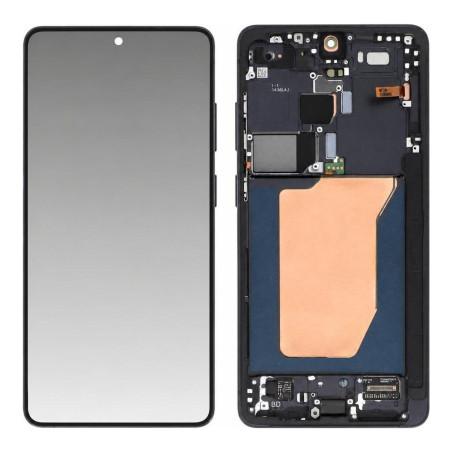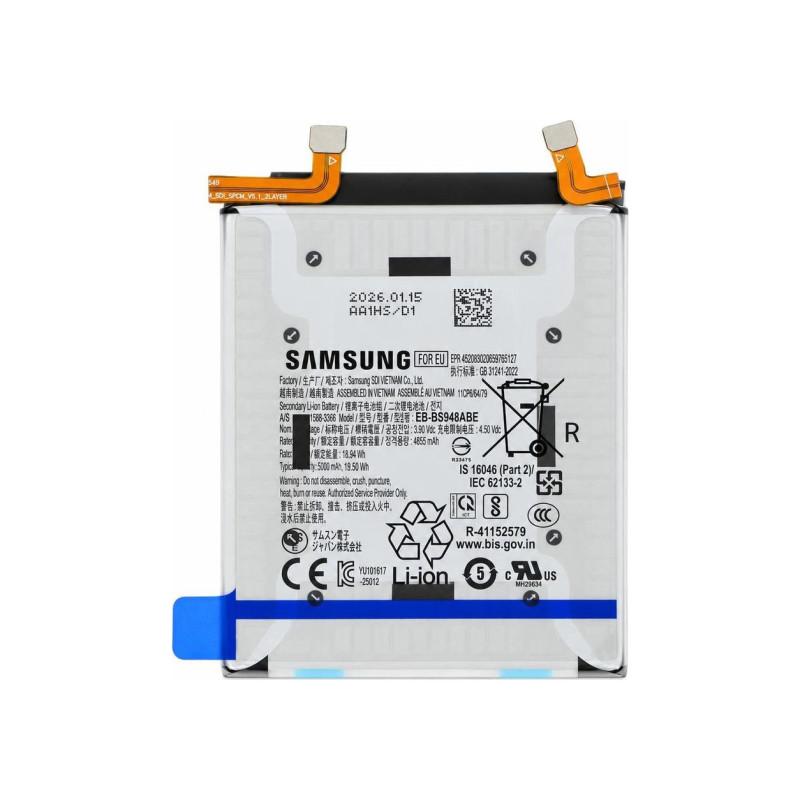
Samsung Galaxy S26 Ultra Battery (Service Pack)
Battery for Samsung Galaxy S26 Ultra, original manufacturer part, delivered in Service Pack: the original Samsung packaging, the one used by authorized centers, without intermediary. It replaces a battery that no longer holds a charge or a device that discharges too quickly. Manufacturer reference GH82-38878A, to precisely identify the part before ordering. Sold with a 2-year warranty.
Accessories
What are the signs of a worn-out battery?
A battery life that drops from one day to the next, a Galaxy S26 Ultra that shuts down while still showing 20% charge, or a back cover that slightly deforms in your pocket: these symptoms indicate a worn battery, whose actual capacity has drifted from its original value. A phone that heats up abnormally during charging is another signal not to be ignored.
Replacing the battery at this stage avoids two risks: continued performance degradation, and, in the most advanced cases, cell swelling that can damage the screen or the back glass.
What is a Service Pack battery?
This battery is an original manufacturer part, supplied as a Service Pack. Nothing has been repaired or refurbished on it: it is a new part, taken from the repair packaging used by Samsung for its own authorized network, distinct from a compatible battery made by a third party.
The manufacturer reference GH82-38878A appears on the packaging: it allows you to verify, before ordering, that it matches the part to be replaced.
Battery for which Samsung Galaxy S26 Ultra?
This battery is designed for the Samsung Galaxy S26 Ultra. It uses the original format and connector of the device, for reassembly without adaptation or tampering with the charging connector.
Handling a lithium battery: precautions
A damaged lithium battery can swell or heat up: it should be handled with care, without bending, puncturing, or short-circuiting it, and you should never continue using a device whose casing is deforming.
This replacement is intended for a professional or a user experienced in disassembling their phone: turning off the device before any intervention, then removing the original adhesive and disconnecting the battery from the motherboard, are steps to be followed in order.
What warranty covers this battery?
This part is covered by a 2-year warranty. In case of a defect, coverage applies for this period, starting from the date of purchase.