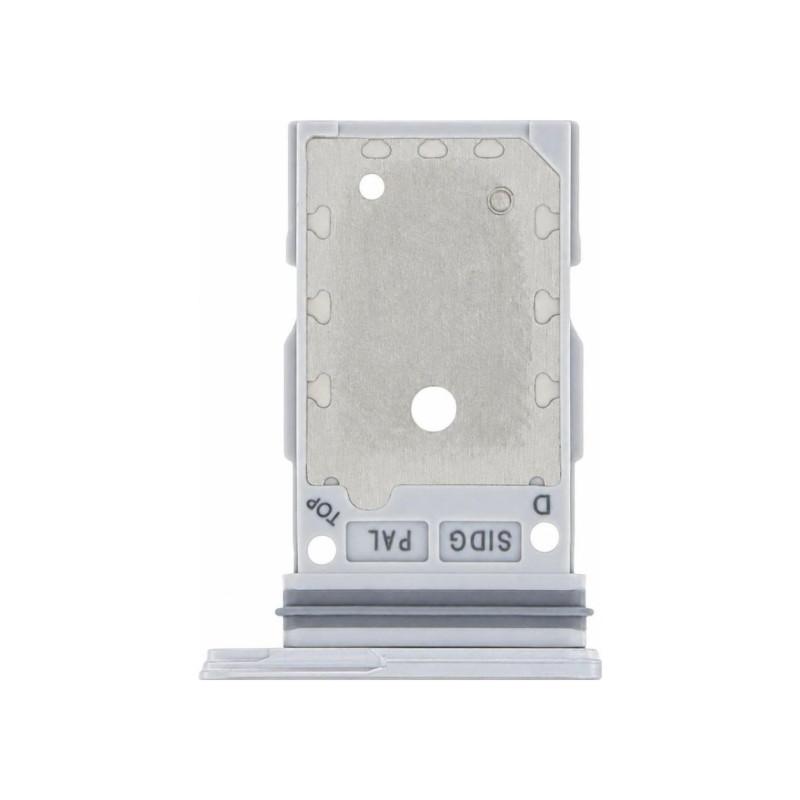
Samsung Galaxy S26 Plus White SIM Tray (Service Pack)
SIM Tray for Samsung Galaxy S26 Plus, White color. This original manufacturer part is delivered as a Service Pack: sealed manufacturer packaging, nothing has been repaired or reglued. It holds your device's SIM card and installs directly in place of the defective or lost tray, without adaptation or adjustment.
Compatibility verified with the Galaxy S26 Plus. Part covered by a 2-year warranty.
Accessories
Samsung Galaxy S26 Plus SIM Tray: when to replace it?
A SIM tray that no longer ejects, that requires force to insert, or whose tab has broken usually signals a worn-out part rather than a card issue. On the Samsung Galaxy S26 Plus, this small component withstands hundreds of manipulations and eventually deforms or gets scratched, to the point of no longer holding the SIM card in place.
Replacing it restores a tray that slides without forcing and a card that is well held, without touching the rest of the device.
A Service Pack SIM tray, where does it come from?
The Quality line on this listing states Service Pack: this is a genuine manufacturer part, supplied as a Service Pack, meaning in the repair packaging provided by Samsung to authorized workshops. Nothing has been repaired or reglued on it, the part is new and bears the manufacturer reference GH98-50887D, which you can compare with the one printed on your device before ordering.
This origin rules out compatible trays made by third parties, whose shade and fit vary from batch to batch.
Does this SIM tray fit your Galaxy S26 Plus?
This part is designed for the Samsung Galaxy S26 Plus, and for it alone. The shape of the tray, the position of the notch, and the White shade are those of this specific model: simply check that the color matches your device before confirming the order.
What warranty covers this SIM tray?
The part is covered by a 2-year warranty, like all spare parts offered by the shop.
Fitting a SIM tray: what you need to know
Replacement is done without opening the device: simply eject the old tray with the dedicated tool, then insert the new one until it sits flush with the chassis. Only one precaution truly matters: check that the SIM card is well centered before closing, to avoid any loose contact.