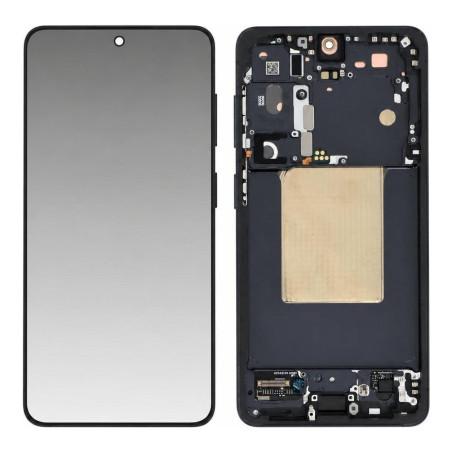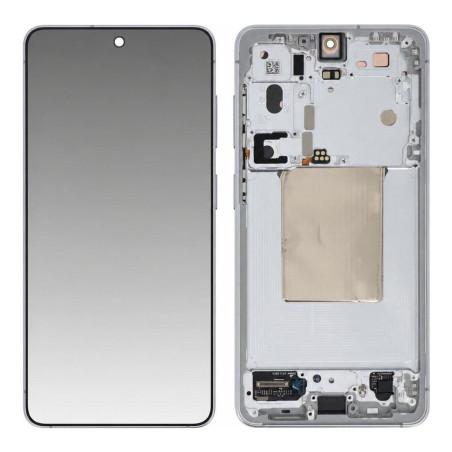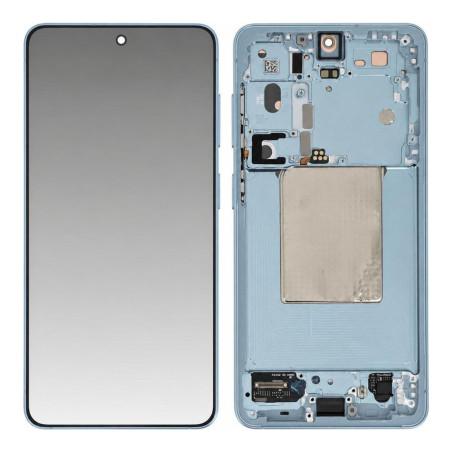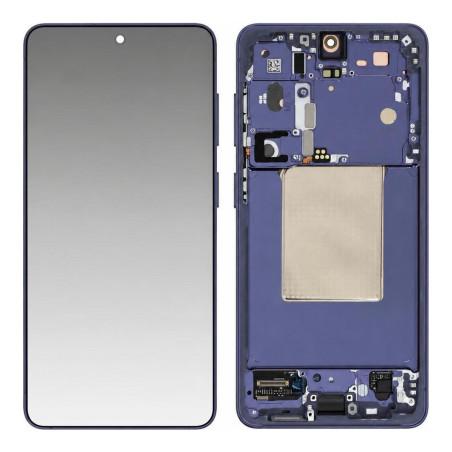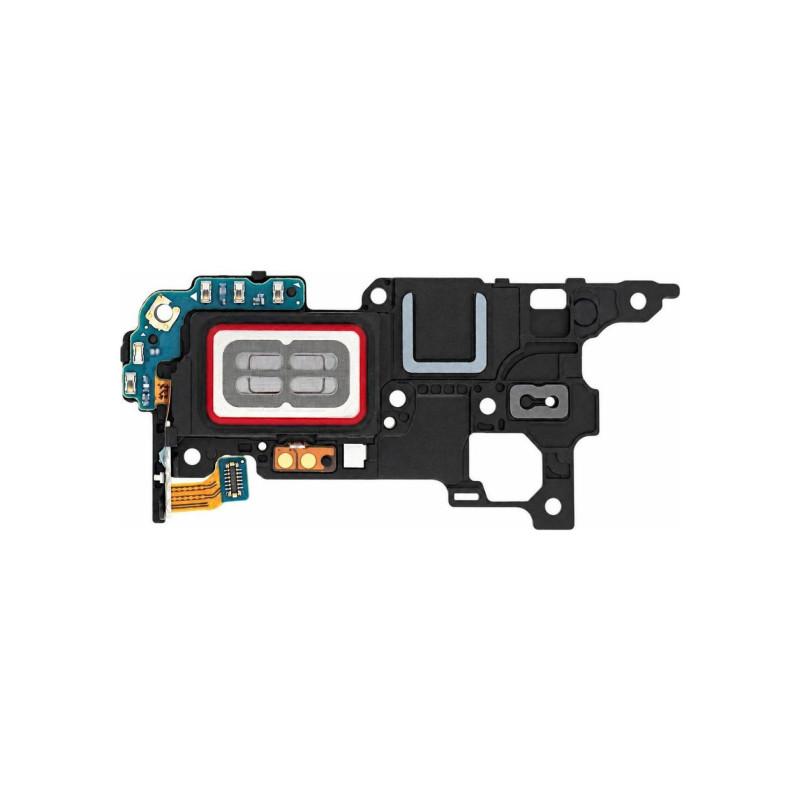
Samsung Galaxy S26 In-Ear Earphone (Service Pack)
Earpiece for Samsung Galaxy S26, Service Pack: an original manufacturer part, supplied in Samsung repair packaging, with no rework or substituted components. This module reproduces call and voice audio at the volume level intended by the manufacturer, whereas a compatible part may introduce a difference in volume or clarity. The manufacturer reference GH97-31457A allows direct comparison with the faulty part before ordering. Part guaranteed for 2 years by the store.
Accessories
Weak or no sound on the phone?
On the Samsung Galaxy S26, the earpiece is the speaker located at the top of the screen, the one that plays the caller's voice during a call. When the sound becomes weak, crackles or disappears completely while the main speaker works normally, the fault almost always comes from this component, not the microphone or the software.
A simple test can confirm it: if calls made on speakerphone remain clear but holding the phone to your ear gives nothing, the earpiece is the cause.
A Service Pack part, delivered in its manufacturer packaging
This part is sold as a Service Pack: a new part, from the same production line as those fitted during assembly, delivered in Samsung's repair packaging. Nothing has been disassembled or repaired beforehand, unlike a refurbished part where only a portion would have been replaced.
The manufacturer reference GH97-31457A appears on the packaging: it lets you check, before ordering, that it matches the one removed from your device.
Compatible with which Galaxy S26?
This earpiece is made for the Samsung Galaxy S26, internal reference S942B. Find this reference on your device, it's the safest way to confirm this is the part you need.
Warranty on this part
The shop grants a 2-year warranty on this earpiece, starting from the receipt of the parcel.
What the replacement requires
The earpiece sits under the screen, at the top of the chassis, held by a small connector and a retaining adhesive. Replacing it requires opening the device and separating the screen: an operation to be reserved for those who already have the appropriate tools (suction cup, spudgers, precision screwdrivers) and an antistatic work surface.
Handle the ribbon cable carefully when unclipping it: this is the most fragile point of the operation, the one where a part in good condition ends up damaged by a poor grip.