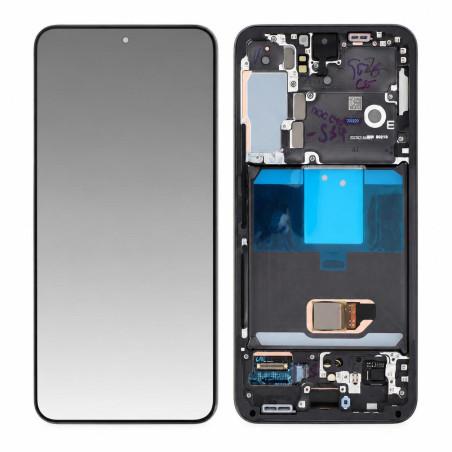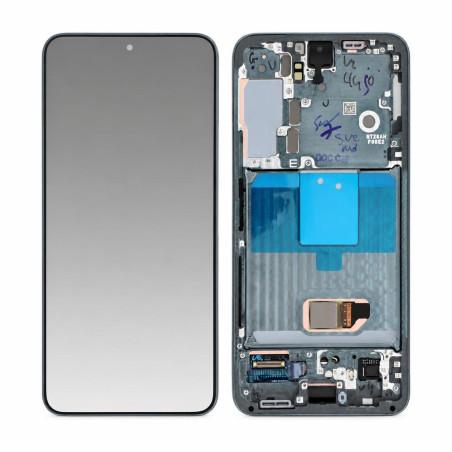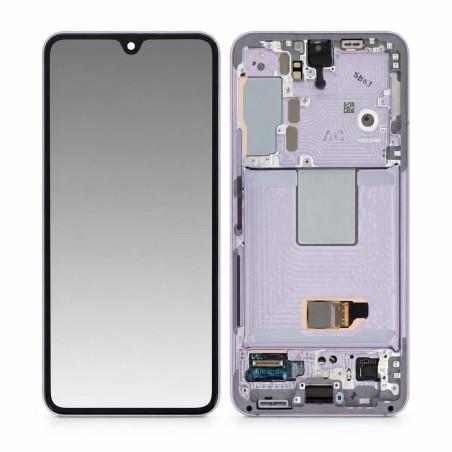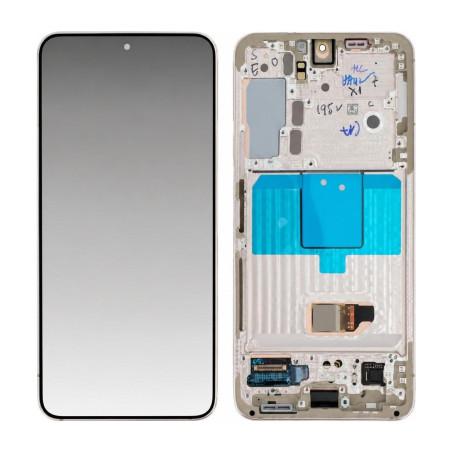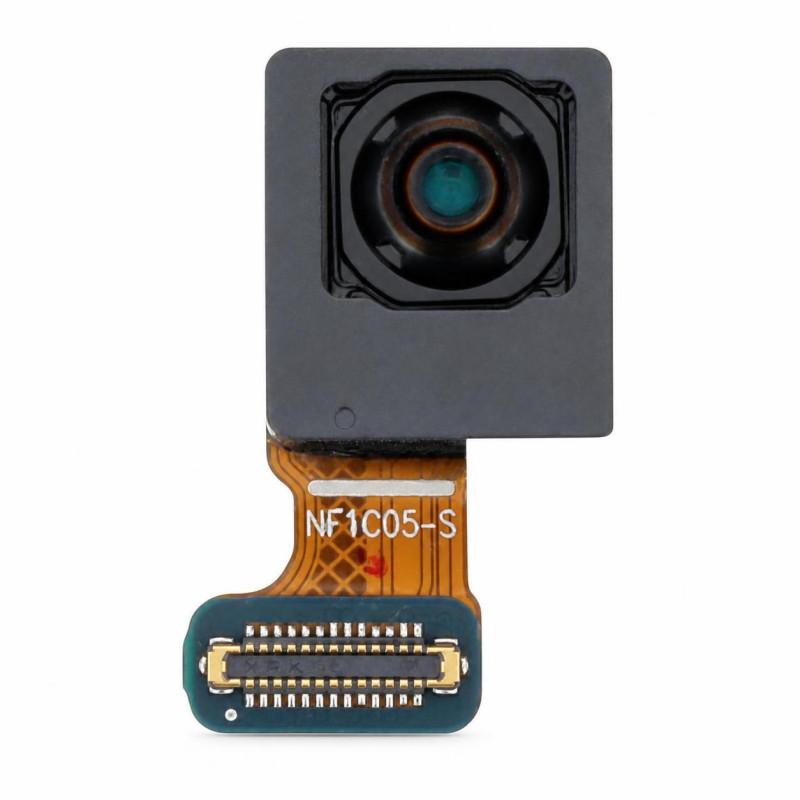
Samsung Galaxy S22 Front Camera (Original)
Front Camera Samsung Galaxy S22 (S901) to replace a faulty selfie sensor or blurry image. This is a reconditioned original part: extracted from an authentic device, then checked before resale. Each unit is functionally tested (focus, image quality) before shipping to rule out any sensor defect.
Part guaranteed for 2 years by the shop.
Accessories
The Samsung Galaxy S22 Front Camera (Original) replaces the selfie sensor of a device whose photos come out blurry, dark, or completely black. This part is exclusively for the Galaxy S22 (reference S901) and allows you to restore functional front-facing shooting without replacing the entire screen assembly.
Recognizing a faulty front camera
Several symptoms point to this part rather than a software setting: the camera app crashing when switching to selfie mode, focus that never engages, a grainy or completely black image, or an error message stating the camera is unavailable. A simple restart or reset that changes nothing generally confirms a hardware sensor fault.
Before ordering, it's still worth checking that nothing is physically obstructing the lens: dust or impact marks can produce the same symptoms without requiring replacement.
An original part, not a copy
The quality line for this reference states refurbished: this is a component taken from an authentic Galaxy S22, then checked before being put back on sale. This origin sets it apart from a compatible camera made by a third party, which does not offer the same guarantees of color rendering or software compatibility with the Samsung interface.
Each unit goes through a functional test before shipping, covering focus and image quality, to weed out defective sensors before they reach the customer.
For which Galaxy S22 exactly
This camera is designed for the Samsung Galaxy S22 (S901), and for this one only. It is positioned under the screen, at the top of the front face, and connects to the motherboard via a dedicated ribbon cable independent of the screen or the earpiece speaker.
Installation: what to anticipate
Replacement requires opening the device via the screen or the back cover depending on the method used, then disconnecting the ribbon cable linking the sensor to the motherboard without forcing the connector. This is a micro-soldering and fine-manipulation job, best left to someone experienced in smartphone disassembly or a workshop equipped with suitable tools (spudgers, suction cup, precision screwdrivers).
Incorrect repositioning of the connector is the most common cause of a sensor remaining inactive after replacement, even though the part itself works.
What the store commits to after purchase
This part is covered by a 2-year warranty provided by the store, applicable in the event of a sensor malfunction not related to installation.