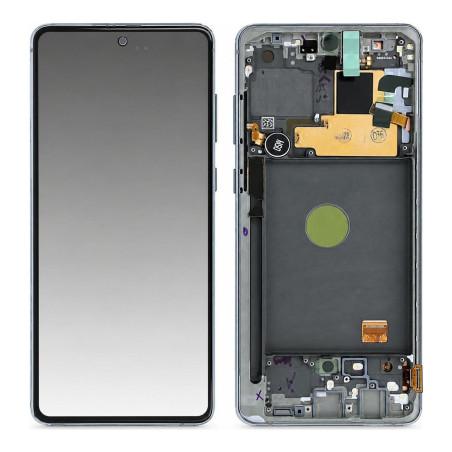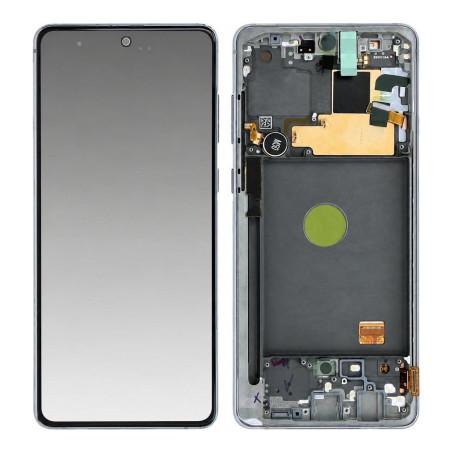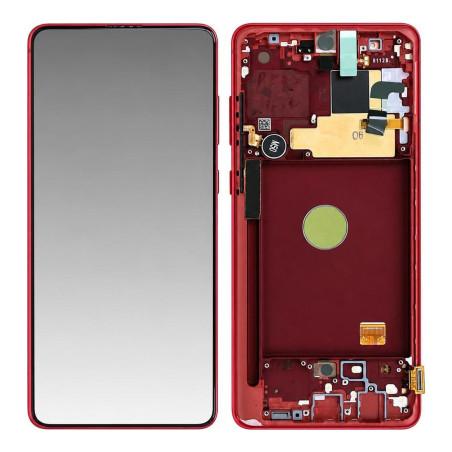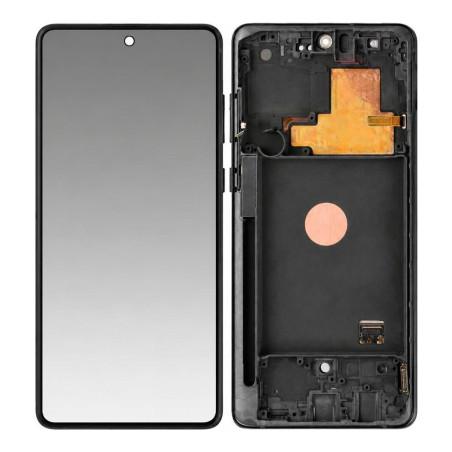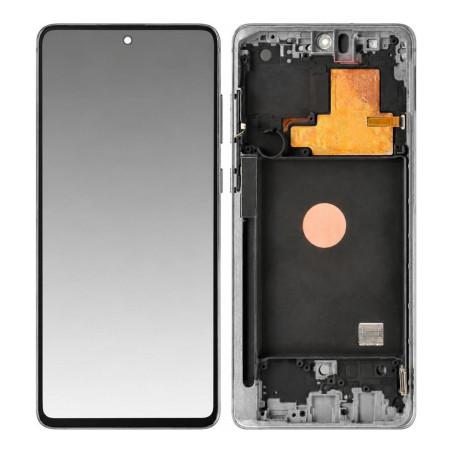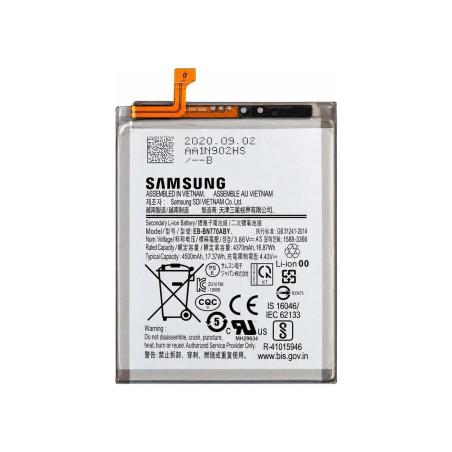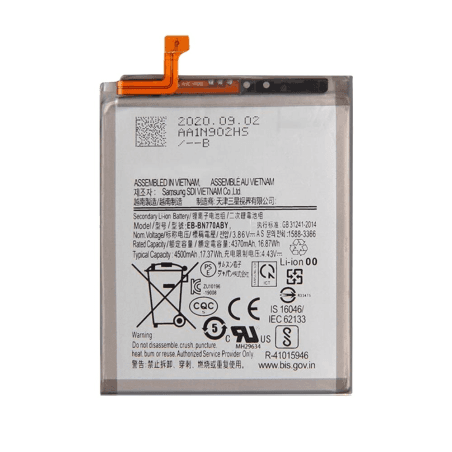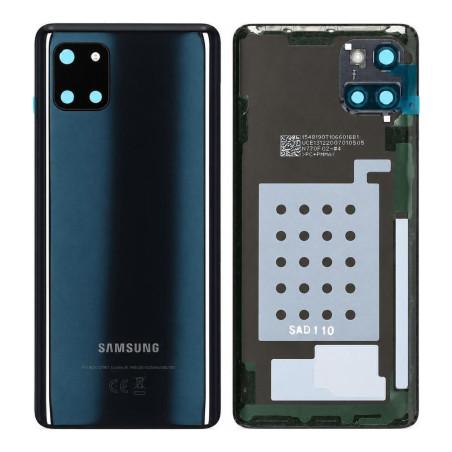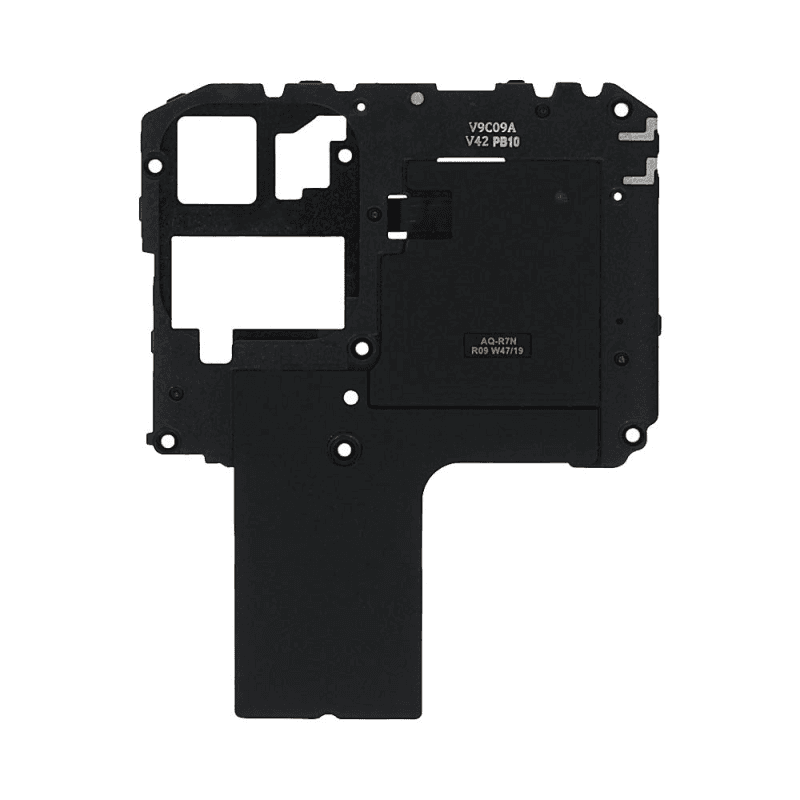
Samsung Galaxy Note 10 Lite Antenna
Samsung Galaxy Note 10 Lite Compatible Antenna designed to ensure optimal reception of NFC and network signals. This part restores connectivity when the original antenna is damaged or faulty, restoring access to contactless payments and near-field data transmission. 2-year warranty on this part tested before shipment.
Accessories
Compatible Antenna for Samsung Galaxy Note 10 Lite
This compatible antenna restores connectivity to your Samsung Galaxy Note 10 Lite in case of network reception malfunction. It replaces the original antenna if damaged or faulty, allowing the device to properly capture mobile signal and data again. The antenna fits inside the phone casing and connects to the motherboard via its mounting points. Replacing it requires precision tools and careful handling to avoid damaging nearby components.
When to Replace the Galaxy Note 10 Lite Antenna
Several signs indicate that a faulty antenna is causing problems. You may notice persistent signal loss even in well-covered areas, calls dropping regularly, or very slow mobile data connection. Before ordering a replacement antenna, check that the problem does not come from a network setting or an antenna restriction activated in the settings menu. If these checks do not resolve the issue, antenna replacement becomes necessary.
Precise Compatibility with Galaxy Note 10 Lite
This antenna is designed for the Samsung Galaxy Note 10 Lite (model N770). It is not suitable for other variants of the Note 10 range, such as the standard Galaxy Note 10 or Galaxy Note 10 Plus, whose antennas differ in their mounting points and dimensions. Before placing an order, verify that your device is indeed a Galaxy Note 10 Lite by checking the phone settings or the identification label on the back of the casing.
Quality and Control Before Shipping
This compatible part offers good value for money and reliability. It is tested before shipping to guarantee its operation and compliance. A 2-year warranty covers manufacturing defects and premature malfunctions. If a problem is detected after receipt, you have a time period to report the defect and obtain a refund or replacement part.
Installation and Precautions
Replacing an antenna requires opening the device and accessing its interior. This operation requires experience, appropriate tools and care to avoid damaging delicate components. Improper handling risks breaking connection ribbons or damaging the motherboard. If you are not comfortable with disassembly, contact a specialized repair shop, which has the tools and training necessary to carry out this work safely.