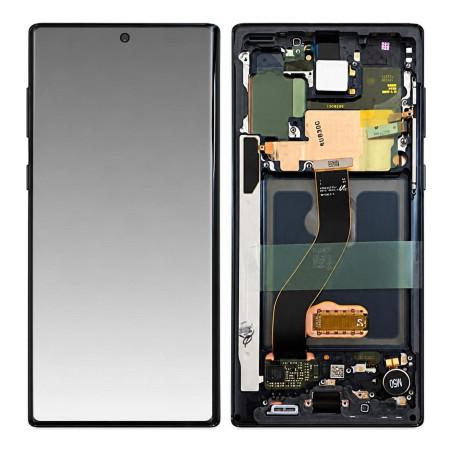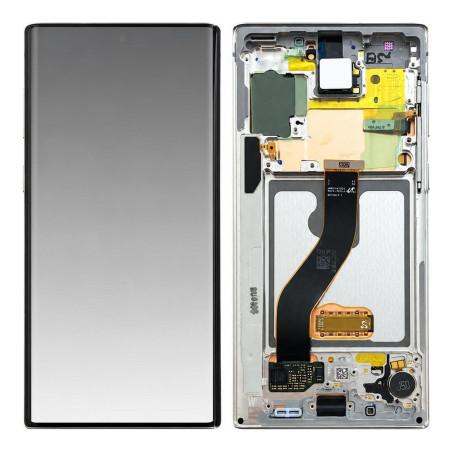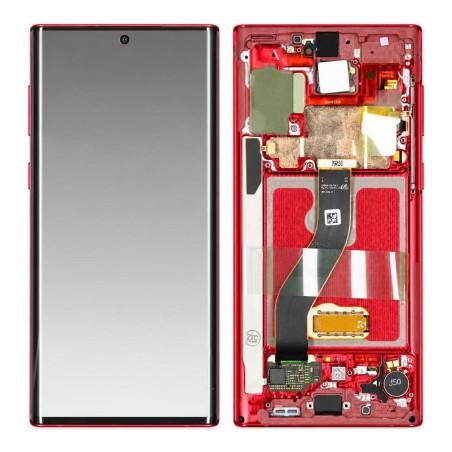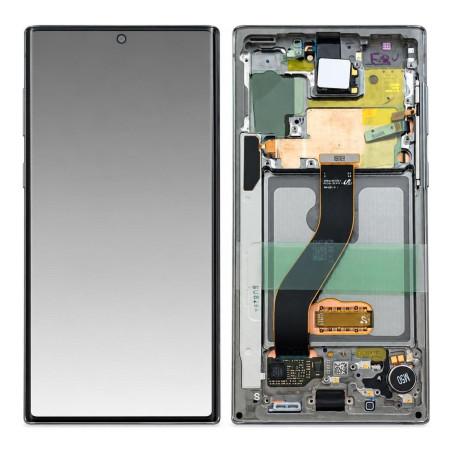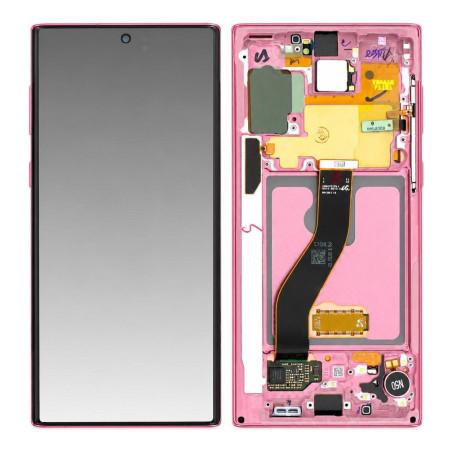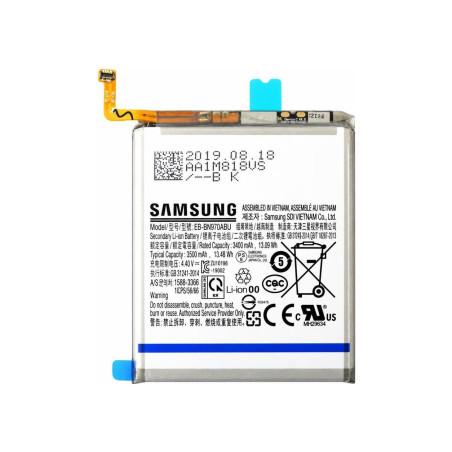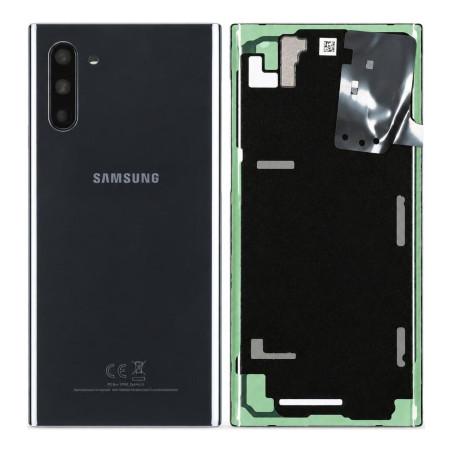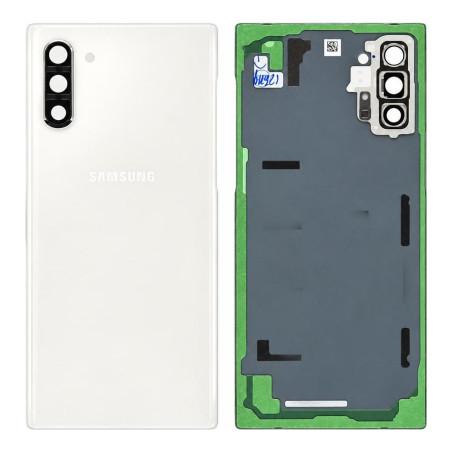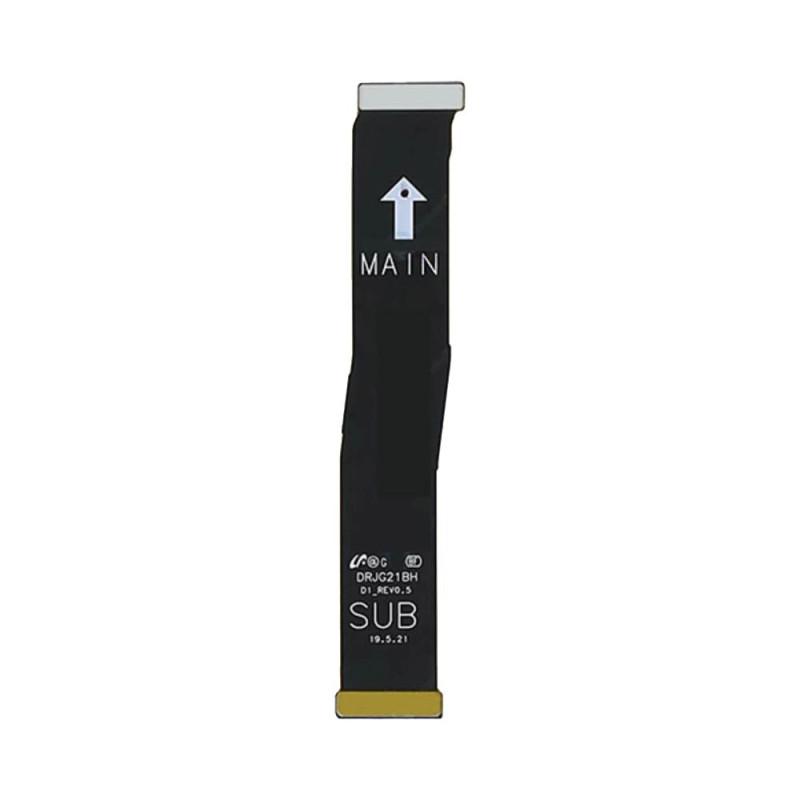
Samsung Galaxy Note 10 Connector Ribbon
Samsung Galaxy Note 10 Connection Flex Cable compatible, tested before shipment. This Premium flex cable ensures the connection of your device's internal elements. Delivered complete and ready to install, it restores communications between components in case of failure or replacement. 2 years warranty.
Accessories
Compatible with Samsung Galaxy Note 10 N970
The connector ribbon of the Samsung Galaxy Note 10 ensures the connection between the control buttons and your device's motherboard. When the volume or power buttons no longer respond, remain stuck down, or trigger random actions, this ribbon is generally the cause. This is a compatible part, manufactured for this device by a third party, which restores all of these functions.
This ribbon is exclusively suitable for the Galaxy Note 10 in standard version. Verify that your device matches this reference before ordering, as the Galaxy Note 10 Plus and Galaxy Note 10 Lite use different ribbons with their own product pages.
What is included in the package
You receive the connector ribbon alone, ready to be installed. No tools or accessories are supplied with this part. Installation requires an appropriate screwdriver to remove the rear casing and a few small screws, as well as some care to disconnect the existing ribbons and reconnect the new one without forcing it.
Why a compatible ribbon rather than an original part
A compatible ribbon offers the same operation as an original part, but at a much lower cost. It is manufactured according to Galaxy Note 10 specifications, which means all contacts are correctly positioned and the electrical conduction quality meets the device's standards. The difference lies only in the manufacturing circuit: this part does not come from Samsung factories, unlike original ribbons or Service Pack versions available in this shop.
For workshop repairs or personal replacements where budget takes priority over origin, a compatible ribbon guarantees functional restoration without compromise on reliability. The Galaxy Note 10 accepts either a compatible or original ribbon indifferently; the electronics make no distinction.
Recognizing a failed ribbon
Several signs indicate that your connector ribbon is damaged. The volume buttons respond only partially, work intermittently, or remain permanently stuck. The power button refuses to unlock the screen or access the shutdown menu. Sometimes the Galaxy Note 10 restarts spontaneously or shuts down for no reason, which may reveal a poor connection at the ribbon level rather than a worn battery. A quick diagnosis is to check that these buttons work normally at device startup: if they are unresponsive at that moment too, it is a ribbon causing the problem.
Installation and precautions
Access to the ribbon requires partially disassembling the Samsung Galaxy Note 10. Start by removing the rear glass with a specialized tool or suction cup to avoid breaking it. Disconnect the battery first to eliminate any risk of electrocution. The ribbon itself is secured by two or three small screws and connected by a ribbon using a friction connector. Disconnect it gently by pulling parallel to the motherboard, never at an angle. Never force a connector, as this damages the motherboard's contacts, a far more costly repair. The reverse installation follows the same logic: push the connector in until a slight click is heard, tighten the two screws, reconnect the battery and test the buttons before closing the device.
Warranty and quality commitment
The connector ribbon benefits from a 2-year warranty. In the event of malfunction within this period, the product can be replaced. Before ordering, verify that you own a standard Samsung Galaxy Note 10 (reference N970) and not a Galaxy Note 10 Plus or other variant, in order to avoid incompatibility upon receipt. Once correctly installed, this compatible ribbon immediately restores button responsiveness and returns the Galaxy Note 10 to normal use.