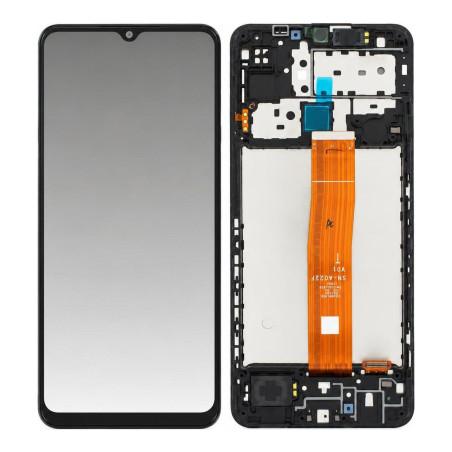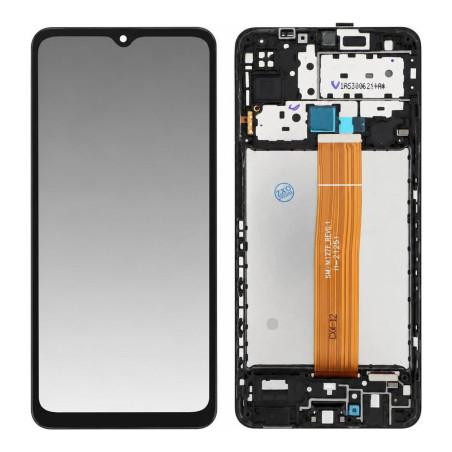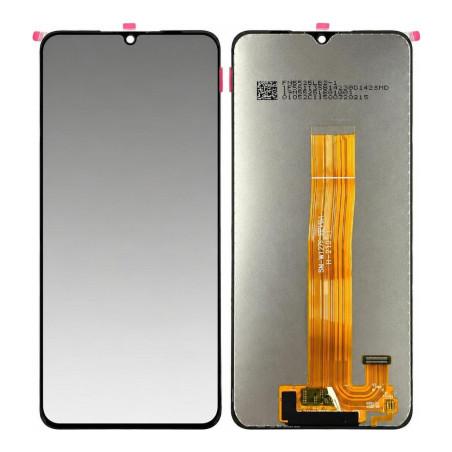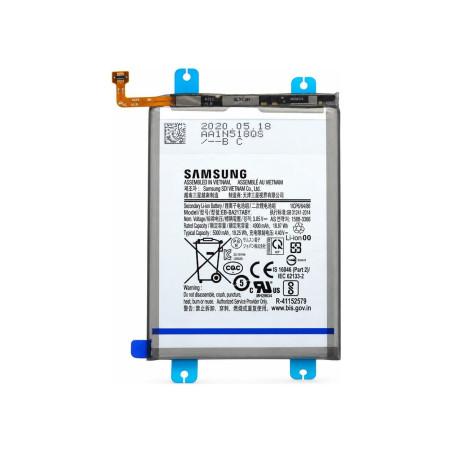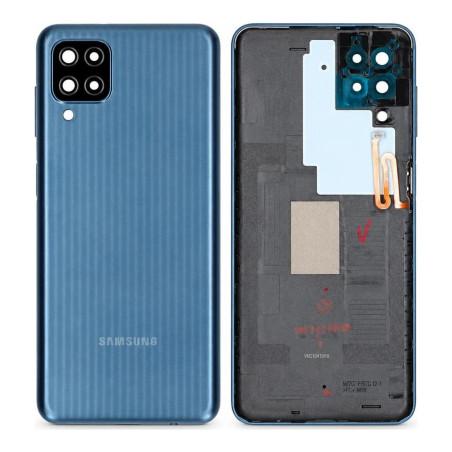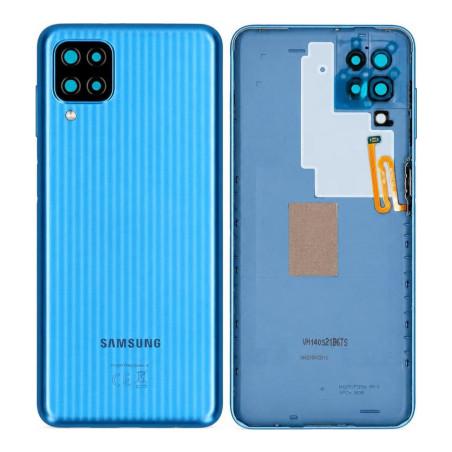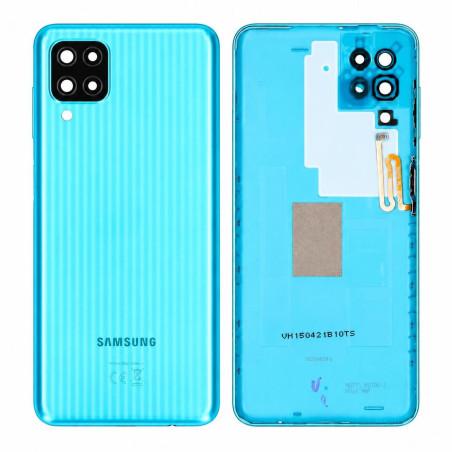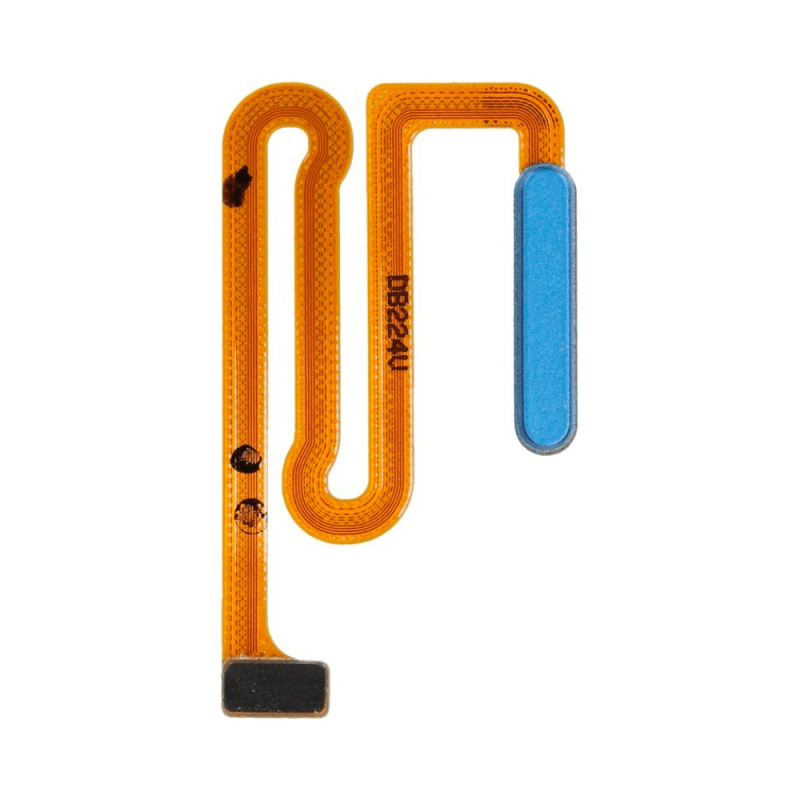
Samsung Galaxy M12 Blue Fingerprint Reader
Samsung Galaxy M12 Blue Fingerprint Reader compatible, designed to replace the failing sensor of your device. This premium reader restores fast and reliable facial recognition, essential for daily unlocking. Tested before shipment to guarantee immediate operation after installation.
Compatible with the Samsung Galaxy M12, this component integrates perfectly into the original slot. The 2-year warranty covers manufacturing defects. Verified part, ready to install.
Accessories
Samsung Galaxy M12 Fingerprint Reader: Identification and Replacement
The Samsung Galaxy M12 fingerprint reader is the sensor located on the back of the phone, below the camera module. When it no longer responds to touch, refuses your finger, or displays an error message when unlocking, it is time to replace it. This component wears out over time, particularly due to dust, moisture, or residue that accumulates on its surface. A new part immediately restores this biometric functionality.
This compatible part is manufactured to work with your Galaxy M12 without any phone modifications. It installs in just a few minutes by simply removing the rear cover and disconnecting the connector of the worn part before plugging in the new one. No specialized tools are necessary.
Galaxy M12 Fingerprint Sensor Specifications
The sensor integrated into the Galaxy M12 offers reliable and fast recognition in daily use. It detects microscopic variations in skin to validate phone access, and can store up to ten different fingerprints. Its recognition rate improves as the system learns your fingerprints, making unlocking smoother over time.
This Blue color part fits exactly with the original M12 design. It is ready to use and requires no pairing or special configuration: once installed, it works immediately as the factory part it replaces.
What is Included
- One compatible fingerprint reader for Samsung Galaxy M12
- The pre-installed connection ribbon
Installing the Galaxy M12 Fingerprint Reader
Before starting, turn off the phone and let it cool for a few minutes. Remove the rear cover by inserting a flat tool into the dedicated slot, then carefully disconnect the connector of the old sensor by lifting the small retention clip. Slide the new reader into place, reconnect the ribbon, and replace the rear cover. Turn the phone back on and access security settings to add your fingerprint.
Do not apply any force when connecting the ribbon: it clicks into place on its own. Make sure the connector is properly clipped to avoid poor contact that would prevent the sensor from functioning.
Warranty and Quality Assurance
This fingerprint reader comes with a 2-year warranty covering manufacturing defects. Each part is inspected before shipping to ensure it works without defects upon receipt. If a malfunction is detected during this period, the part is replaced at no additional cost.