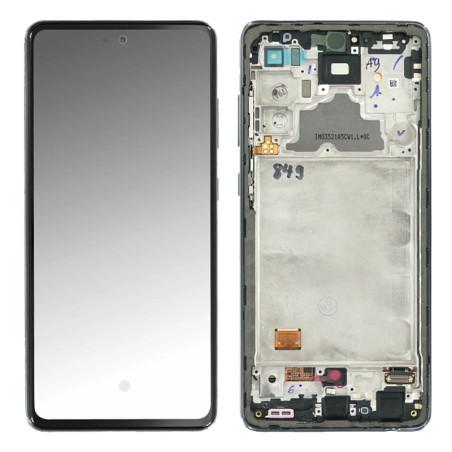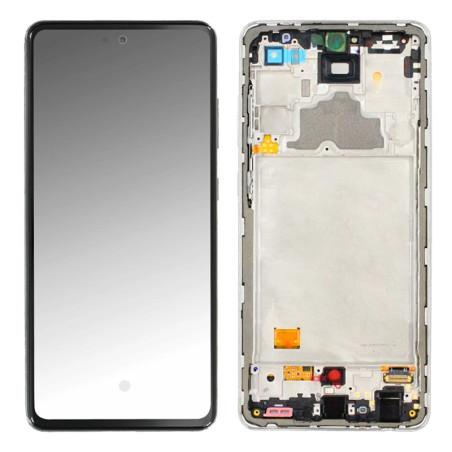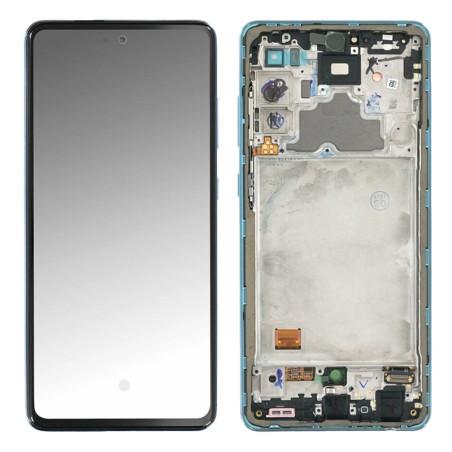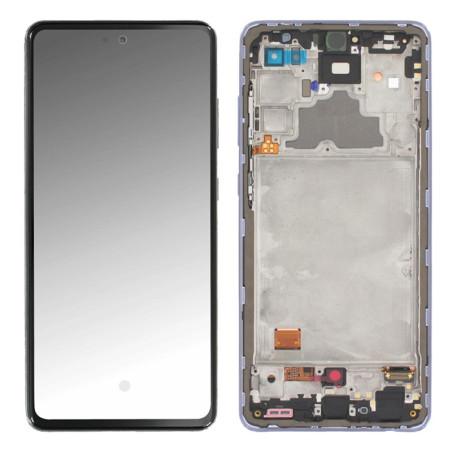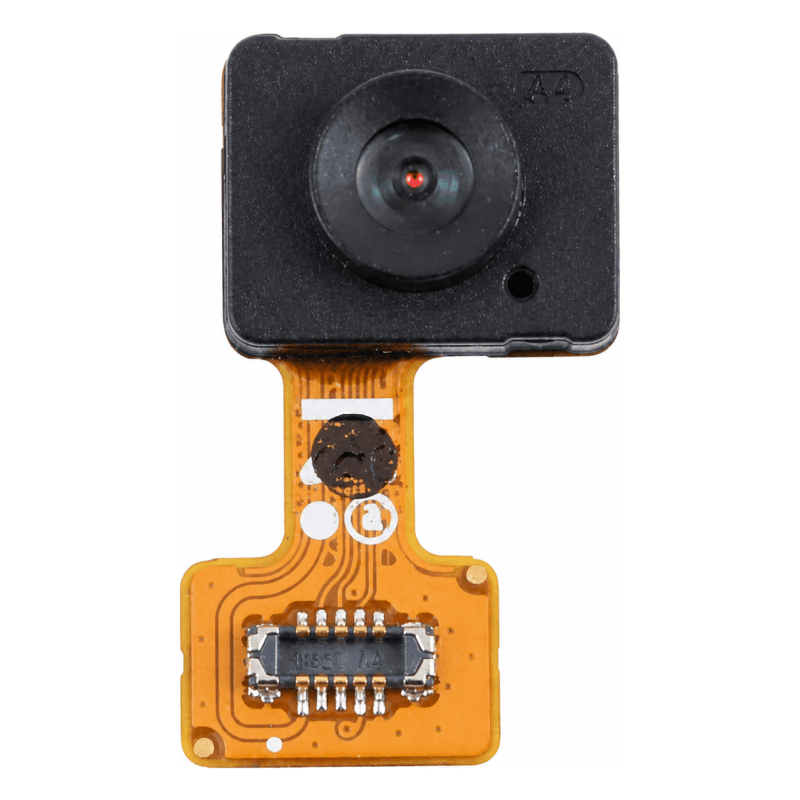
Samsung Galaxy A72 Fingerprint Reader
Fingerprint reader compatible with Samsung Galaxy A72. Selected and tested replacement part, it restores biometric unlock function in case of faulty sensor. Also compatible with Galaxy A32, A52 and A52S sharing the same chassis reference. Each batch is subject to quality control before shipping to guarantee fingerprint recognition reliability. Cost-effective alternative to the original manufacturer part, it offers a stable solution for common repairs. 2-year warranty.
Accessories
The Samsung Galaxy A72 fingerprint reader is the biometric sensor located under the device's screen, responsible for fingerprint unlocking. When it no longer recognizes registered fingerprints, reacts slowly, or remains inactive despite multiple attempts, replacing it restores secure access without entering a code. This compatible part has been selected to offer a reliable alternative to the manufacturer's part, with quality control performed before stocking.
When to replace the fingerprint sensor
The reader stops working after an impact, liquid infiltration, or a drop that has weakened the touch area beneath which it is located. Typical symptoms: the phone systematically asks for the PIN code or unlock pattern, the sensor no longer lights up when you place your finger, or it displays a recurring error message. A software reset does not resolve anything in these cases: the physical component must be changed. On the Galaxy A72, the sensor is attached to its flex cable and is replaced as a single unit.
What the part contains
The package contains the compatible fingerprint reader, delivered with its connection flex cable. It attaches against the inner face of the screen, in the designated slot. No specific tools are provided, but replacement requires complete screen disassembly: plan for an opening kit with suction cups, picks, and precision screwdrivers. The sensor must be positioned exactly in its original location for recognition to work: a one-millimeter offset is enough to make detection impossible.
Installation and recalibration after fitting
Replacement requires detaching the AMOLED screen from the frame, a delicate operation on this model due to the perimeter adhesive and the thinness of the panel. Once the old sensor is removed, clean the contact surface with isopropanol to ensure adhesion of the new component. After reassembly, the phone asks to re-register fingerprints: this step is normal and confirms that the system recognizes the new reader. If the sensor remains inactive after this operation, check the flex cable connection on the motherboard: a poorly inserted contact blocks all detection.
Controlled compatible part
This part comes from a third-party manufacturer whose production has been validated by quality control before catalog integration. It meets the specifications of the original component and allows restoration of the Galaxy A72's biometric function at a reduced cost. Compatibility covers the A725F model, the main Galaxy A72 reference sold in Europe. It is guaranteed for 2 years against any manufacturing defect, which covers failures found after installation under normal use conditions.