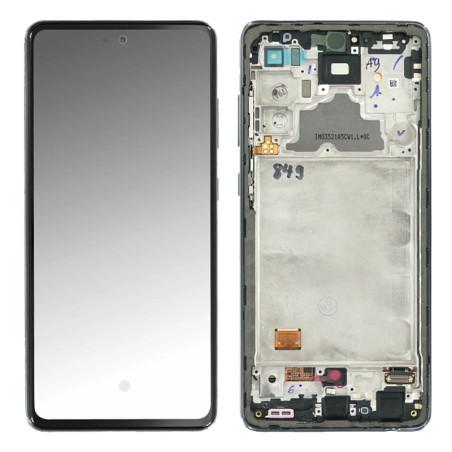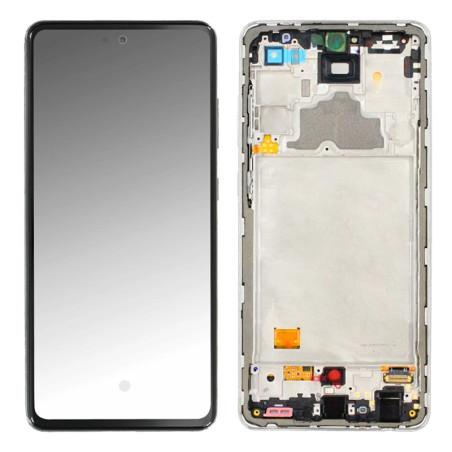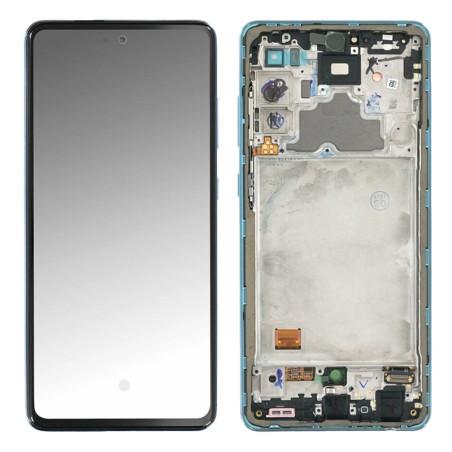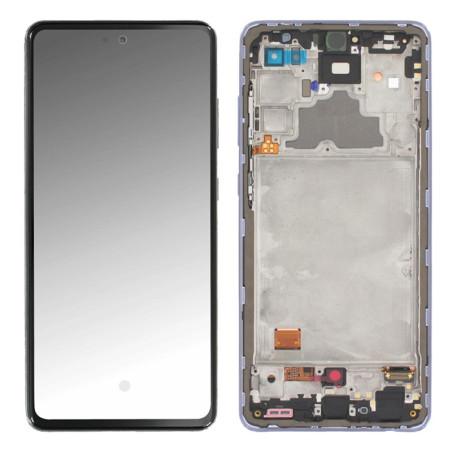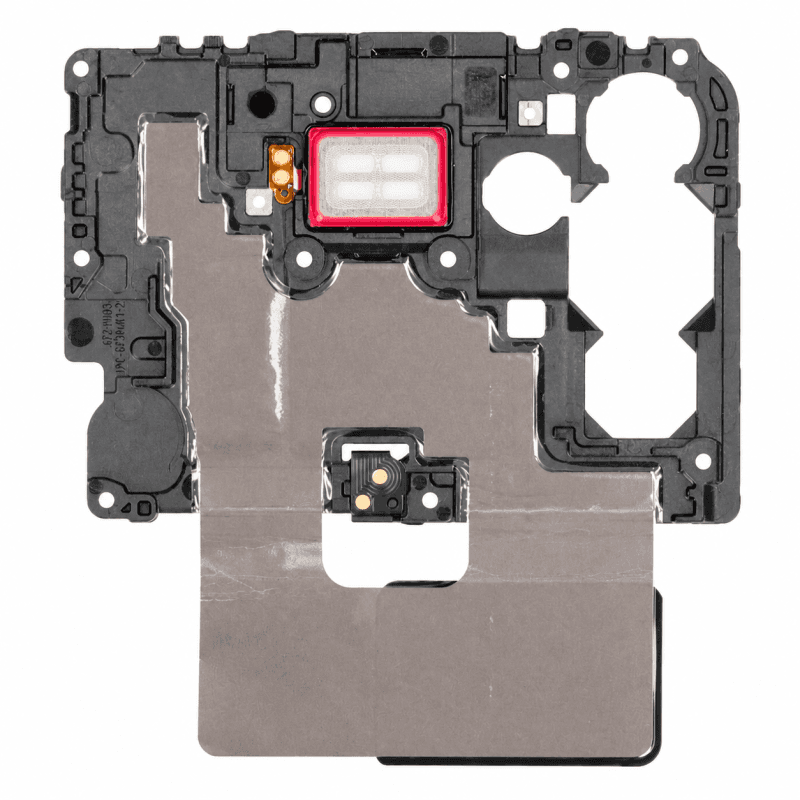
Samsung Galaxy A72 Antenna
Replacement antenna for Samsung Galaxy A72, compatible with 4G (A725) and 5G (A726) versions. Essential part for proper mobile network and wireless communications operation of your device.
Tested before shipping to guarantee signal quality. 2-year warranty for a confident replacement.
Accessories
The Samsung Galaxy A72 antenna ensures network and Wi-Fi signal reception on your smartphone. It should be replaced when calls drop regularly, 4G or 5G connection becomes unstable without apparent reason, or Wi-Fi no longer maintains at normal distance from the router. This part fits both versions of the device: the Galaxy A72 4G (A725) and the Galaxy A72 5G (A726).
When should this antenna be replaced?
A Galaxy A72 with a weakening antenna shows several characteristic symptoms. The number of network bars decreases in areas where coverage was previously adequate. Phone conversations cut out without the screen indicating a voluntary call end. Internet browsing slows down suddenly while the data plan remains available. The smartphone loses Wi-Fi connection as soon as you move a few meters away from the access point, where other devices remain connected.
These failures often occur after a drop on the phone's corner, prolonged exposure to moisture, or simply over time. The antenna is located on the device's main flex cable: an impact can disconnect its contacts, and corrosion can degrade signal continuity. Before replacing the part, verify that the problem is not software-related by restarting the phone and testing the SIM card in another device.
Galaxy A72 4G and 5G compatibility
This antenna fits the Galaxy A72 4G (reference A725) and the Galaxy A72 5G (reference A726). Both models share the same internal architecture for this component, allowing the use of a single replacement part. You can identify your version by checking the phone's system settings, "About device" section: the complete model number appears there.
The difference between 4G and 5G concerns the cellular modem integrated into the motherboard, not the antenna itself. The antenna transmits the captured signal to the smartphone's radio module, whichever it may be. No settings or adaptation are required depending on the variant owned.
What the replacement requires
Replacing the antenna requires disassembling the back glass, removing the main flex cable to which it is attached, then desoldering or unclipping the defective antenna depending on its fastening method. The operation requires a temperature-controlled soldering iron if the part is soldered, or a flat-tip precision tool if it is clipped. Anti-static tweezers prevent damage to neighboring components during handling.
Before any intervention, turn off the phone and remove the SIM card. Heat the perimeter of the back glass with a heat gun or iOpener to soften the adhesive, then lift it with a suction cup and pick. Disconnect the battery first to eliminate any risk of short circuit. The main flex cable then disconnects from the motherboard via a snap connector. Transfer the new antenna to the flex cable if not already assembled, then reassemble in reverse order.
Warranty and quality control
This antenna is covered by a 2-year warranty against any manufacturing or operating defect. The warranty does not cover damage caused by improper handling during installation, excessive soldering, or contact with liquid after installation. Before shipment, each part undergoes visual inspection and electrical continuity testing to eliminate defective components upstream.