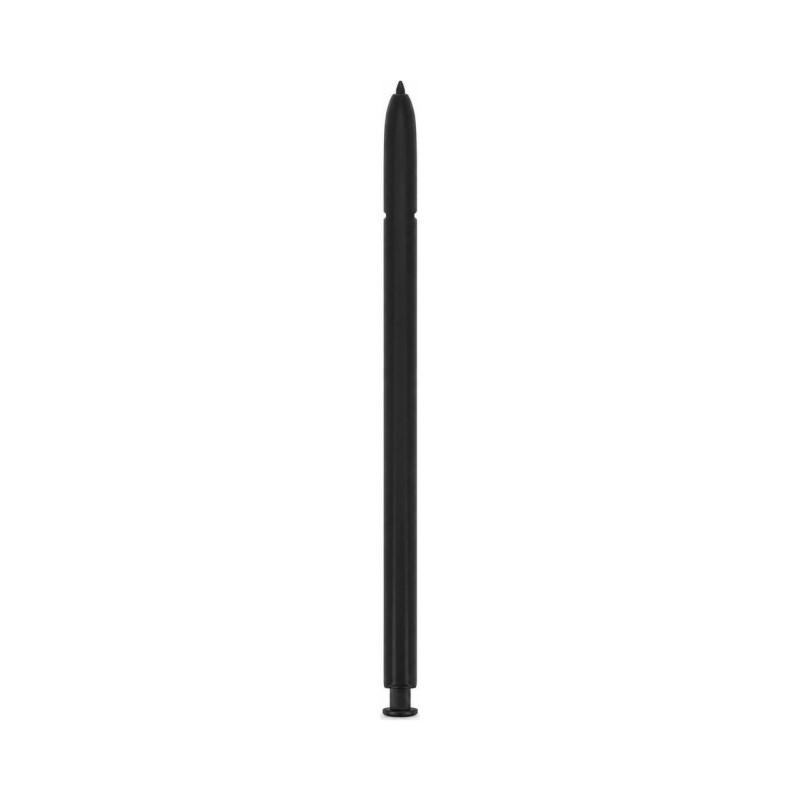
S-Pen Samsung Galaxy Note 20 Ultra Black (Service Pack)
The S-Pen offered here fits the Samsung Galaxy Note 20 Ultra, in Black colour. This is an original manufacturer part, supplied as a Service Pack under manufacturer reference GH96-13546A: the stylus has not undergone any repair or reconditioning, it is simply packaged in the repair packaging used for official Samsung interventions. It is the exact component fitted at the factory, with no variation in manufacturing or operation compared to the one originally supplied with the device.
It replaces a lost, broken or defective S-Pen, with the same functions as the original. The part is covered by a 2-year warranty.
Why replace the S-Pen on the Samsung Galaxy Note 20 Ultra?
A stylus that no longer clicks into place, a side button that no longer responds, or a visibly worn tip are the most common signs before a replacement. On the Samsung Galaxy Note 20 Ultra, these symptoms usually affect the stylus itself, rarely the device's slot.
A lost or broken stylus is the other frequent case: the part is changed independently of the screen or the case, without any major intervention on the phone.
What is an S-Pen Service Pack?
The quality line on this listing states Service Pack: this is a genuine manufacturer part, delivered in the repair packaging used by Samsung. Nothing has been repaired or replaced on it, it is the same stylus as the one fitted in the factory, distributed through the channel reserved for repairers.
This S-Pen is black, identical to the original shade of the Galaxy Note 20 Ultra. The casing bears the manufacturer reference GH96-13546A, which should be checked before ordering to make sure it is the right model.
Compatible with which device?
This S-Pen is designed for the Samsung Galaxy Note 20 Ultra. Once installed, it fits back into its original slot and all functions of the stylus supplied with the phone.
How to install the new S-Pen?
No tool is needed for this replacement: simply remove the old stylus from its slot and insert the new S-Pen in its place. The device recognizes it as soon as it is inserted.
Check that the stylus goes in until it clicks and that the side button returns properly to position before resuming normal use of the phone.
Warranty on this S-Pen
This part is covered by a 2-year warranty, applied by the shop from receipt of the order.