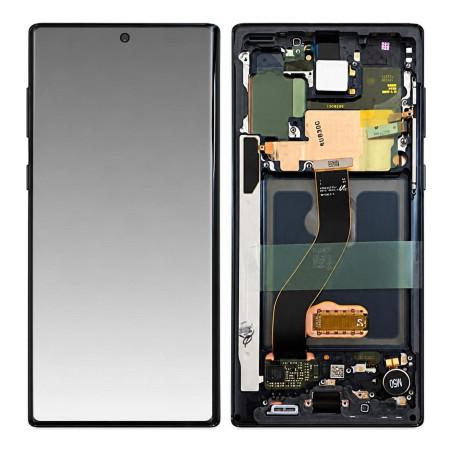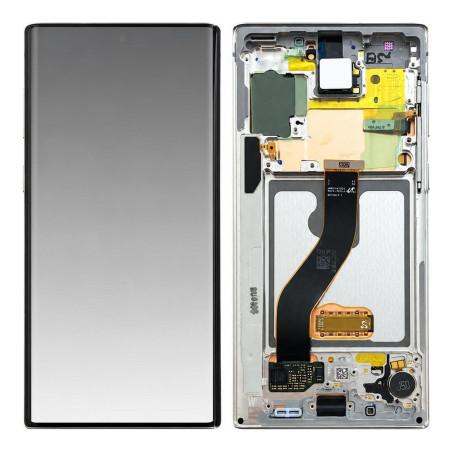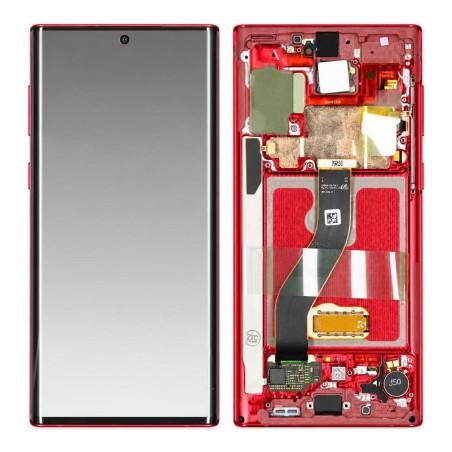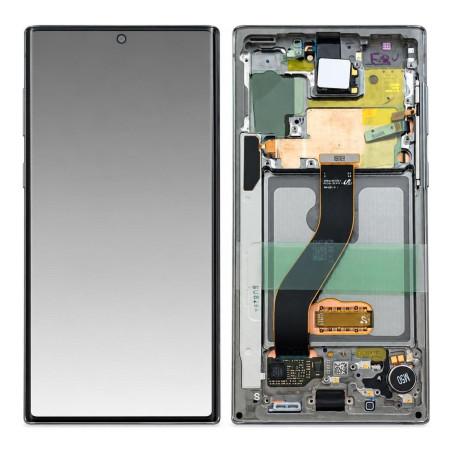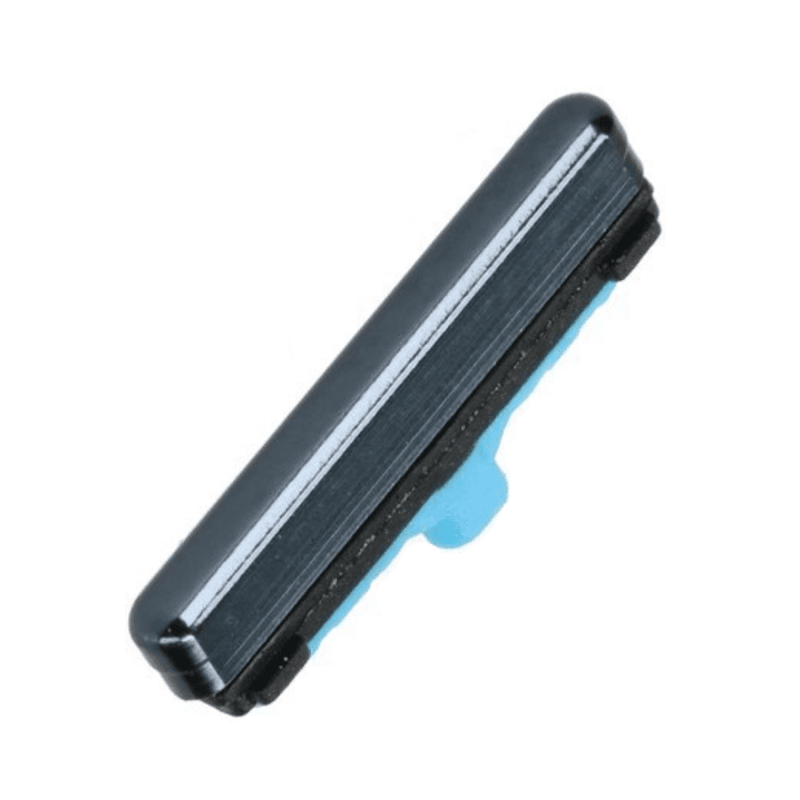
Power and Volume Button Samsung Galaxy Note 10 Black
On/Off and Volume buttons compatible with Samsung Galaxy Note 10, color Black. This replacement part restores functional touch control after wear or damage to the original buttons. Manufactured to fit precisely to your device, it guarantees integration without modification to the phone.
The buttons are pre-assembled and ready to install, hardware included for direct installation. Tested before shipping to ensure reliability upon receipt. 2-year warranty on this part.
Accessories
On/Off and Volume Button Samsung Galaxy Note 10
The On/Off and Volume Button Samsung Galaxy Note 10 is a compatible part that restores access to the essential controls of your device. When powering on or managing volume becomes difficult or no longer responds, this part replaces worn mechanisms without requiring complete disassembly. It fits the Galaxy Note 10 Black and ensures smooth operation in everyday use.
The button on this device must withstand thousands of presses: repeated action, a drop, or ordinary wear eventually damage the internal contact. You recognize the need to change this part when the press becomes soft, when the volume no longer increases or decreases, or when powering on requires multiple attempts. Once replaced, the button regains its original responsiveness.
Exact Compatibility with Galaxy Note 10
This compatible part was designed to work on the Samsung Galaxy Note 10 N970. Before ordering, verify your device's reference by going to Settings, About Phone: it must display N970. This is the data that guarantees mechanical and electronic compatibility with the model featured in this product sheet.
Part Quality and Reliability
This part is compatible, which means it was manufactured for the Galaxy Note 10 by a third-party manufacturer. It is not extracted from a used device, which ensures new mechanics and a lifespan identical to that of an original part. The button was tested before shipment to verify smooth operation and the absence of parasitic clicks.
Installation and Points of Attention
Installing this button requires some dexterity. You must access the device housing, remove the broken button, and position the new one without damaging the internal ribbon cables. If you have never opened a phone, this operation is delicate: it involves specialized tools (precision screwdriver, suction cup, anti-static tweezers) and knowledge of disassembly procedures. A professional shop will do it for you in a few minutes.
During installation, protect your hands from static electricity with an anti-ESD wristband or by touching an unpainted metal element of the device. A discharge would ruin the motherboard, and this cost would far exceed that of the repair. No tools are provided with the part: you will source them yourself or have a repair technician do it.
Warranty and Commitment
This part comes with a 2-year warranty from purchase. If the button shows a manufacturing defect within this period, it will be replaced at no cost. This coverage does not apply to damage related to installation, a drop after installation, or mishandling during replacement. Keep your receipt and shipping confirmation to assert your rights.