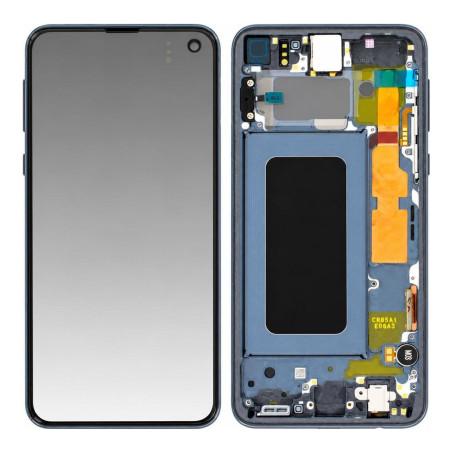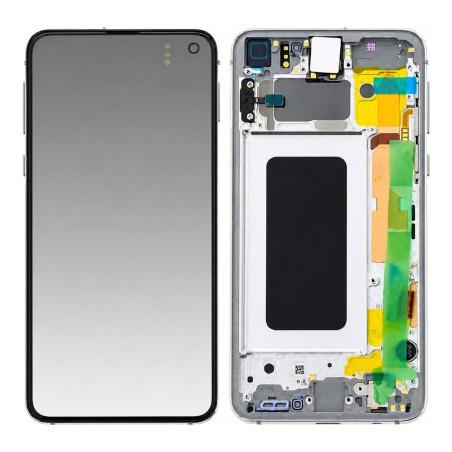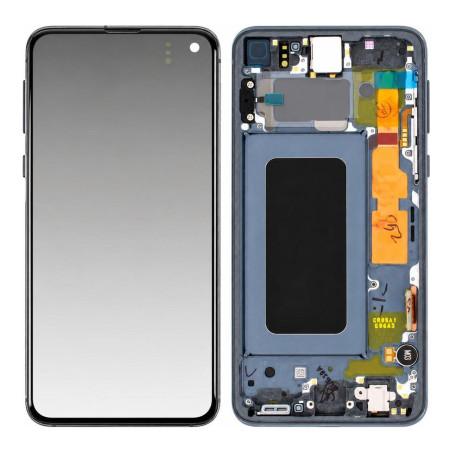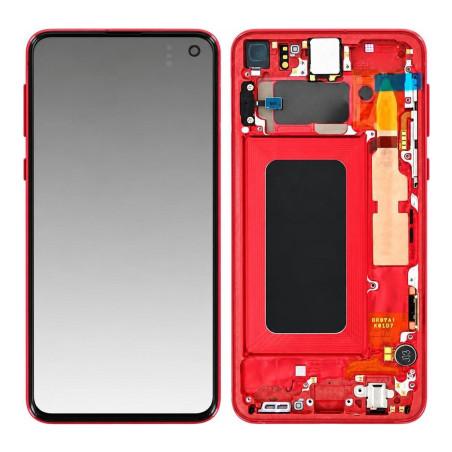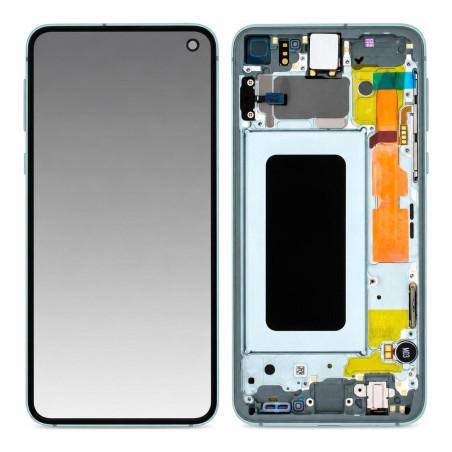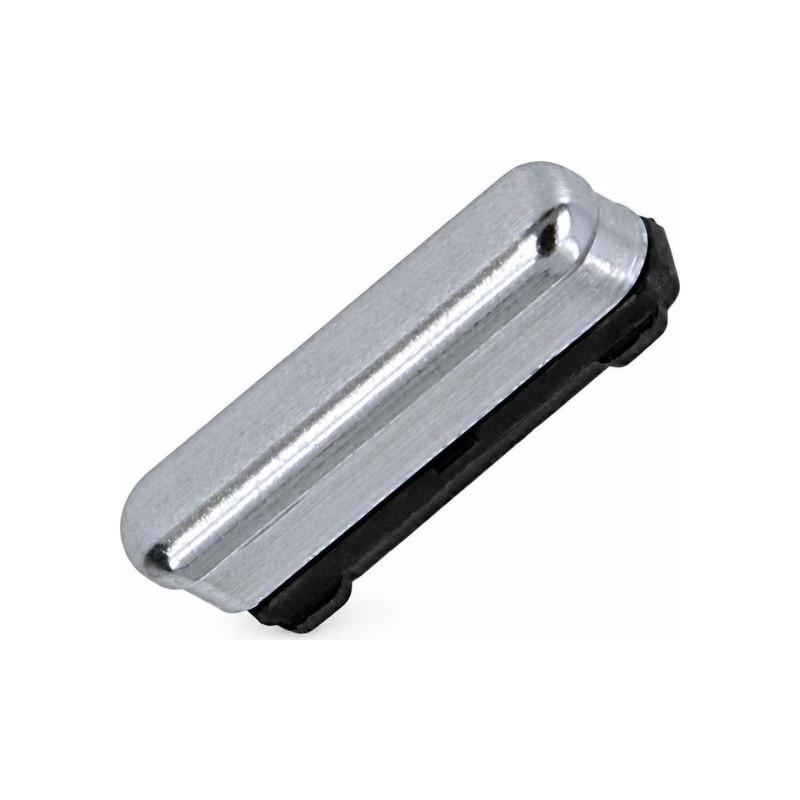
On/Off Button Samsung Galaxy S10e White (Service Pack)
Samsung Galaxy S10e On/Off Button white, original manufacturer part supplied in Service Pack. This power button comes directly from Samsung production lines and arrives in official repair packaging, guaranteeing exact compatibility with your device. It completely replaces the damaged, worn or unresponsive button. Tested before shipment to ensure proper operation. 2-year warranty.
Accessories
Power Button for Samsung Galaxy S10e
The On/Off button for the Samsung Galaxy S10e is the original manufacturer part delivered in Service Pack packaging. This part comes directly from Samsung production lines, with no further processing. It is identified by its Service packaging and manufacturer reference GH98-43737B, which identifies this package precisely.
Supplied in White color, this button fits the case of your Galaxy S10e. It replaces a sleep button that is broken, stuck, or worn from repeated use. A press that has become difficult, a button that does not return, a button that turns or no longer responds: it is time to replace it.
What is Samsung Service Pack
Service Pack packaging is the one Samsung reserves for its repair workshops. The part is new and from the original manufacturer, packaged in the manufacturer's maintenance materials, not in a commercial box. This distinction is what justifies its availability and price: the part comes from the Samsung factory, packaged for repairers, not for retail sale.
No element has undergone any modification. You receive the part as Samsung produces it, ready to be installed on your phone.
Why replace the power button
The On/Off button is a mechanical element used several times a day. Over time, the spring weakens, internal contact oxidizes, or the toggle jams. A button that resists, does not return, or only presses partially makes the phone difficult to turn on and off. An original button restores the tactile feel and responsiveness of the Galaxy S10e.
This part is better than a software workaround: double-tapping the volume or wake gestures strain the device and drain the battery. A functioning physical button is the return to normal use.
Installation and precautions
The replacement requires opening the phone and disconnecting the button cable. A small adhesive holds the part in place. To prevent any damage, turn off the phone completely before starting. Wet fingers, static electricity, or too sharp a tool can damage the internal connector. If you are not comfortable with disassembly, a repair shop can install the part in a few minutes.
Compatible with the Galaxy S10e, and it alone
This button is made for the Samsung Galaxy S10e only. Models in the Galaxy S10 range, such as the Galaxy S10, Galaxy S10 Plus or other generations, do not share the same button cable. Only order it if you own the Galaxy S10e: any confusion would result in ordering the wrong part, and an incompatible button will not fit.