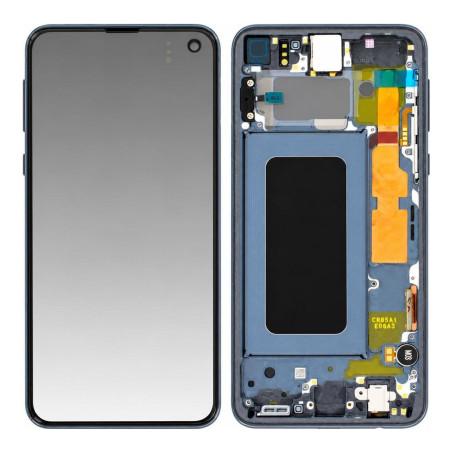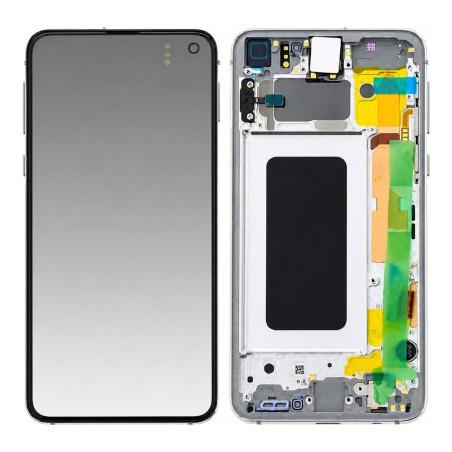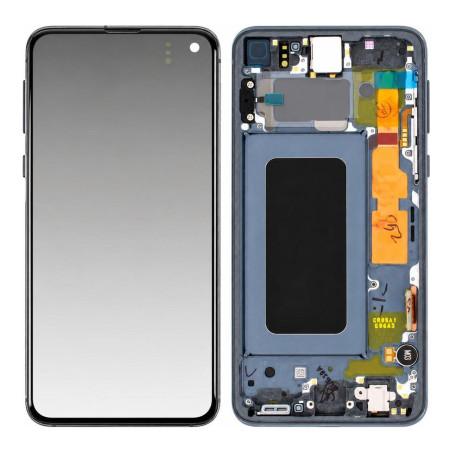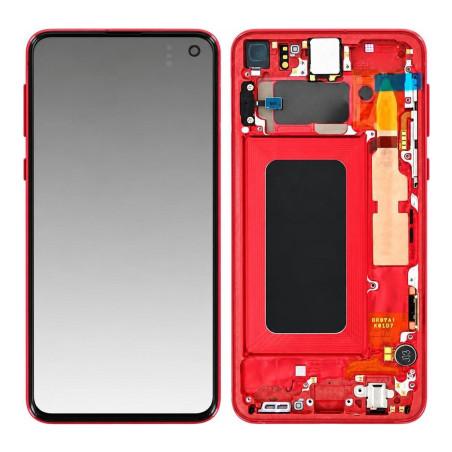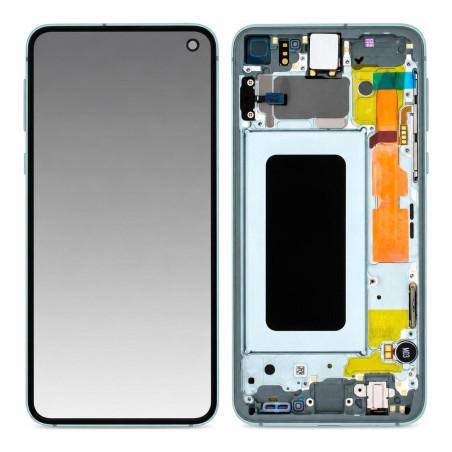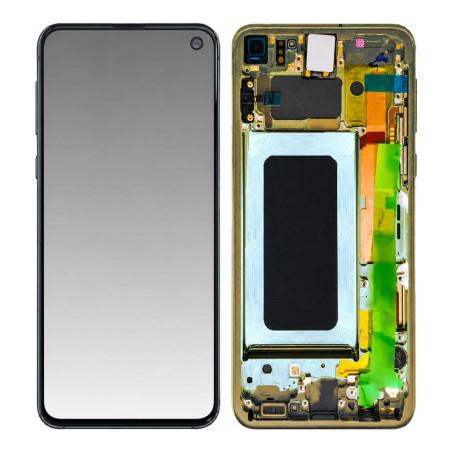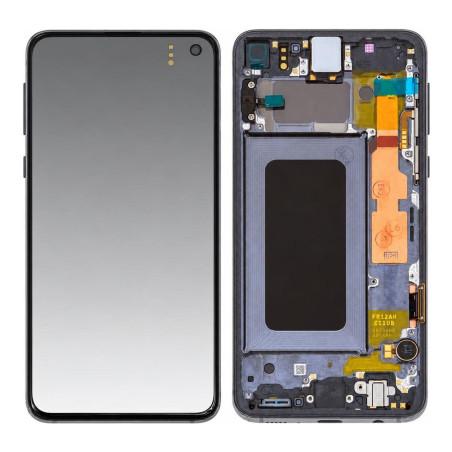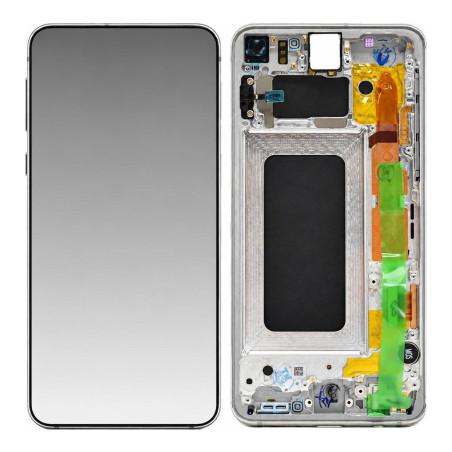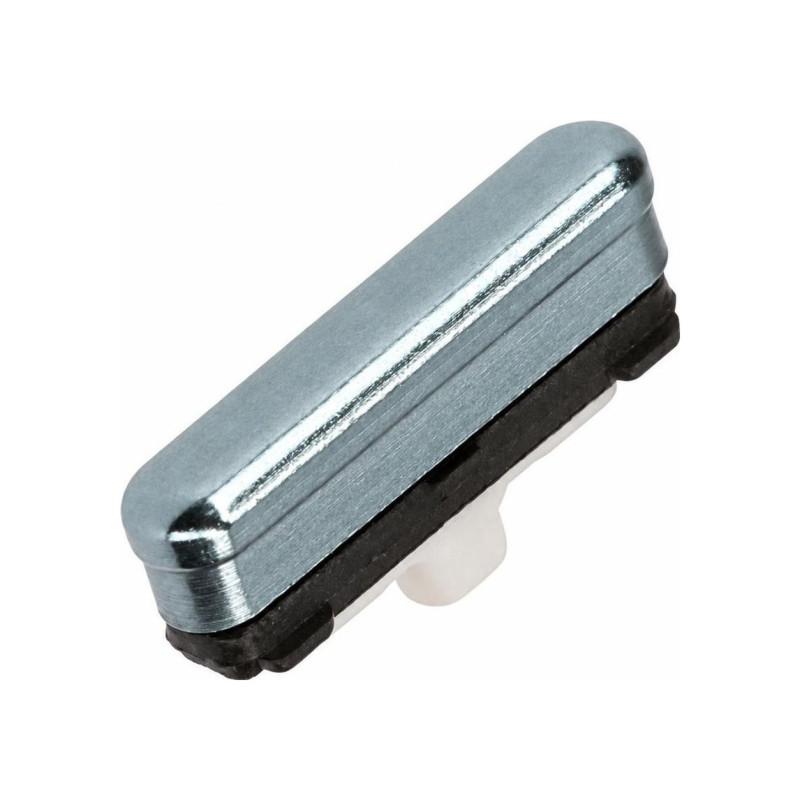
On/Off and Volume Button Samsung Galaxy S10e Green
Set of On/Off and Volume buttons compatible with Samsung Galaxy S10e, in Green. These replacement buttons restore power and volume control commands, often damaged by drops or prolonged wear. Premium finish ensures durability over time and responsiveness identical to original controls.
Parts tested before shipment to guarantee proper operation upon receipt. Compatible with Galaxy S10e G970 model only. 2-year warranty against manufacturing defects.
Accessories
Samsung Galaxy S10e Green On/Off and Volume Button
The Samsung Galaxy S10e On/Off and Volume button provides basic control of your phone: turning the device on and off, adjusting call and media volume. A compatible part, manufactured for this device, that restores the tactile precision and responsiveness of a new control. This sheet describes the model in Green, matched to your Galaxy S10e.
Recognizing a failing button
The On/Off or Volume button no longer responds, or responds poorly: presses with no effect, soft depression, mechanical jamming, or need to press multiple times for the phone to react. These signs indicate wear of the internal springs or contact. The device works, but volume control no longer follows, the screen stays locked on or only turns off with repeated effort.
Compatibility with Samsung Galaxy S10e
This part is compatible with the Samsung Galaxy S10e, references G970. Before ordering, verify that your broken button comes from this exact model: the Galaxy S10, Galaxy S10 Plus, and Galaxy S10e are three distinct phones, and the buttons are not interchangeable. The Galaxy S10e is the smaller screen of the series, the 5.8-inch one. The Green button matches your case or phone if you seek color uniformity.
What you receive
The package contains the power button and volume keys, ready to be installed. No disassembly tools are included: a very fine screwdriver and thermal adhesive will be necessary to remove the old button and fix the new one.
Installation and precautions
Button replacement requires care and proper tools. You must open the phone, access the broken button from inside, unglue or unscrew it depending on the model, and glue or screw the new one in place. Improper installation can damage internal electrical contacts or allow water to seep through. If you are not comfortable, a repair shop will be safer than a personal attempt.
Two-year warranty
This part benefits from a 2-year warranty covering manufacturing defects. A button that stops working within this period will be replaced free of charge. Damage caused by clumsy handling or exposure to moisture is not covered.