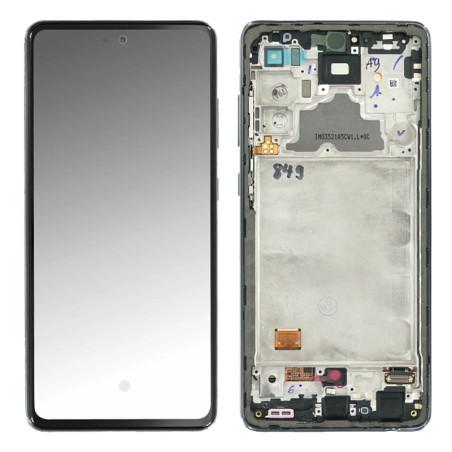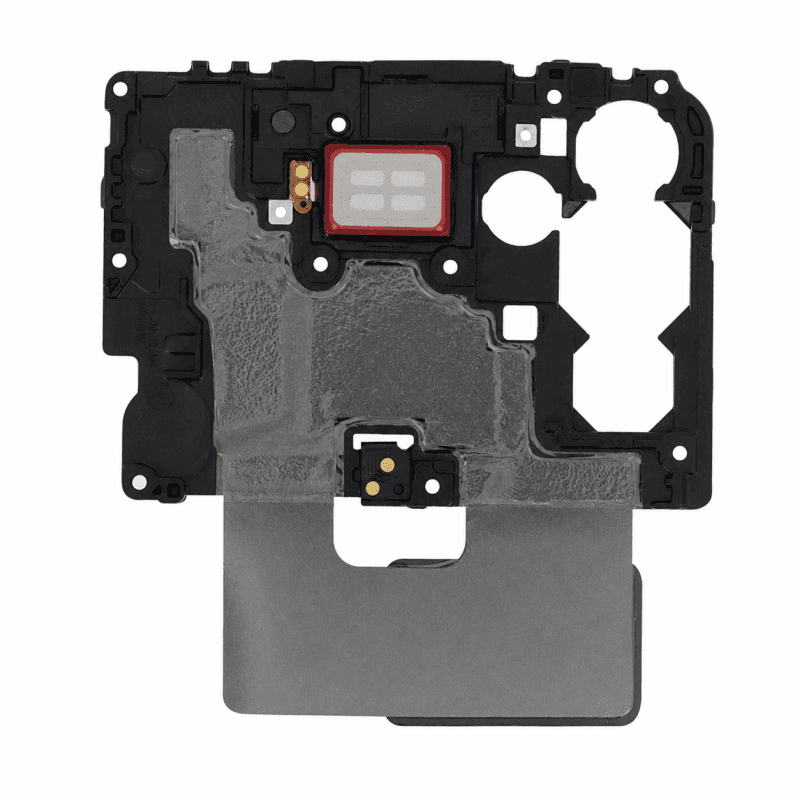
NFC Antenna Samsung Galaxy A72 (Service Pack)
NFC antenna for Samsung Galaxy A72, original manufacturer part supplied in Service Pack. Ensures wireless transmission for contactless payments, data exchange and quick pairing with other NFC-compatible devices. From Samsung production lines, this antenna guarantees the same quality and performance as the original part fitted at the factory. Tested before dispatch and supplied with its manufacturer reference GH97-26259A for complete traceability. 2-year warranty.
Accessories
The Samsung Galaxy A72 NFC antenna ensures contactless transmission between your Galaxy A72 and payment terminals, compatible speakers or other equipped devices. This flex cable, reference GH97-26259A, is an original manufacturer part, delivered in Service Pack: it comes from Samsung repair packaging, new, in its official distribution packaging.
When to replace the NFC antenna
Your Galaxy A72 refuses contactless payments even though the NFC function remains enabled in the settings. Bluetooth pairing works, but the phone no longer reacts when approaching a payment terminal or an NFC-compatible speaker. Detection range has dropped: you have to press the device against the reader for a connection to establish, and even then, one time out of three. These symptoms point to the antenna: the NFC module processes the signal, but the flex cable no longer transmits it correctly to the rear surface of the phone.
The failure occurs after a drop on the lower corner, water infiltration or disassembly that bent the flex cable when removing the rear glass. The antenna runs along the internal frame; uneven pressure is enough to break a trace or detach the contact that connects the flex cable to the main NFC reader.
Samsung Galaxy A72 NFC Antenna Service Pack
Service Pack refers to Samsung repair packaging, that of authorized centers and professional workshops. The part is new, coming directly from the manufacturer's production lines, packaged for replacement: no flex cable has been repaired, no contact has been resoldered. It bears the Samsung logo and traceability markings that allow verification of its origin.
Choosing a Service Pack antenna guarantees full compatibility with the Galaxy A72: flex cable dimensions, contact position, flexible film thickness, everything corresponds to the millimeter to the part assembled at the factory. Budget-compatible antennas sometimes have a flex cable length that is too short or an adhesive that does not stick to the internal plastic, requiring the part to be reglued a few weeks after installation.
Package contents and installation
The package contains the NFC antenna, flexible cable ready to install. Installation requires complete removal of the rear glass: the antenna sits between the chassis and the shell, held by double-sided adhesive along the lower left edge. Peel off the old flex cable carefully to avoid tearing the chassis protective film, clean the surface with isopropyl alcohol, then position the new antenna by aligning the connector with the main NFC module before pressing the adhesive.
Test the NFC function before closing the device: enable NFC in the settings, bring a contactless bank card close to the back of the phone. The Galaxy A72 should detect it instantly and display a notification. Slow or absent detection indicates a poorly inserted connector or a twisted flex cable during placement. Also check that no piece of residual adhesive is between the flex cable and the chassis: a thickness of one tenth of a millimeter is enough to move the antenna away from the rear glass and reduce the range by half.
Warranty and traceability
This NFC antenna is covered by a 2-year warranty against any manufacturing defect. The warranty applies to the part itself; it does not cover diagnostic error, damage caused during installation, or normal wear of contacts after several disassembly cycles.
The manufacturer reference GH97-26259A identifies this antenna in the Samsung system and allows verification of compatibility before ordering. It is designed for the Galaxy A72 A725F, the 4G version of the model. Check the exact reference of your device in the settings, "About phone" section: an antenna mounted on a Galaxy A72 5G (A726B) has a different flex cable layout and an offset connector, incompatible with the A725F NFC reader.