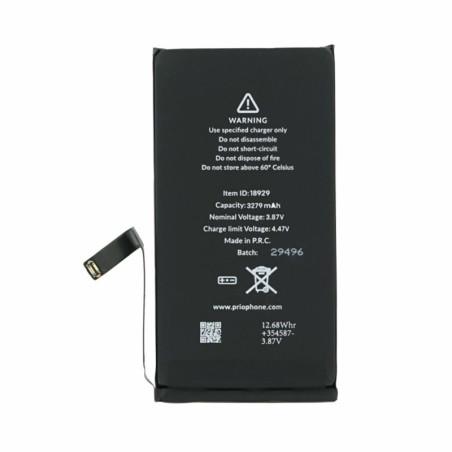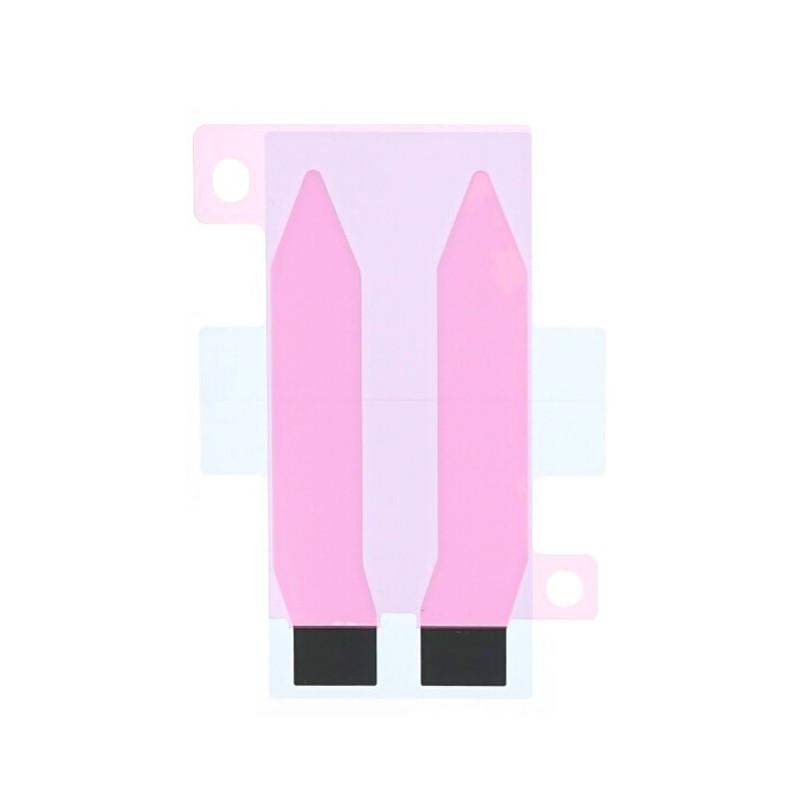
iPhone 14 Battery Adhesive
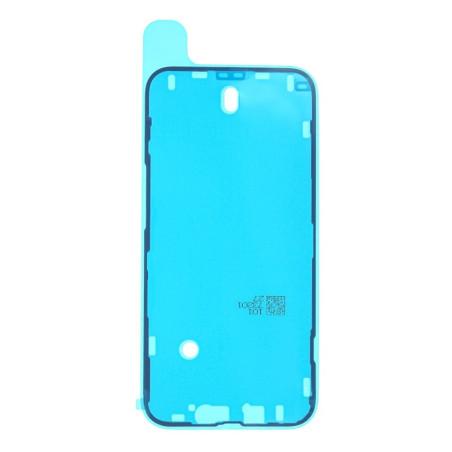
Simplify your iPhone 14 battery installation with this high-quality adhesive , designed to ensure a strong and durable hold . This adhesive holds the battery firmly in place while making it easy to remove for future repairs, allowing for a clean and damage-free installation. Essential for a professional repair , it ensures a secure fit and helps preserve the internal integrity of your device, extending its lifespan and maintaining optimal performance.
The iPhone 14 Battery Adhesive is an essential accessory to ensure a stable and secure installation of the battery during a replacement. This pre-cut adhesive helps hold the battery in place while facilitating its removal for possible future repairs, thus ensuring a quick replacement without the risk of damage to internal components.
Features of the iPhone 14 Battery Adhesive:
- Perfect Compatibility: Custom-designed for the iPhone 14, this adhesive fits perfectly to the dimensions of the chassis and the battery.
- Durable Fixation: Holds the battery securely in place, ensuring stability even during intensive daily use.
- Easy Removal: Allows you to gently remove the battery without damaging other internal components.
- Simple Application: Easy to use thanks to its pre-cut format, even for those who perform home repairs.
Why use this adhesive when replacing the battery?
- Assured Safety: Holds the battery firmly in place, reducing the risk of accidental movements that could affect the performance of the device.
- Internal Component Protection: Ensures that the battery remains stable, minimizing vibration and the risk of damage.
- Clean and Quick Installation: Pre-cut adhesive provides precise alignment, ensuring a clean and professional result.
Installation Tips:
- Prepare the Surface: Thoroughly clean the mounting area to ensure maximum adhesion.
- Apply the Adhesive: Position it precisely on the chassis and press firmly to ensure optimal fixation.
- Check the Installation: Before closing the device, make sure that the battery is securely attached.