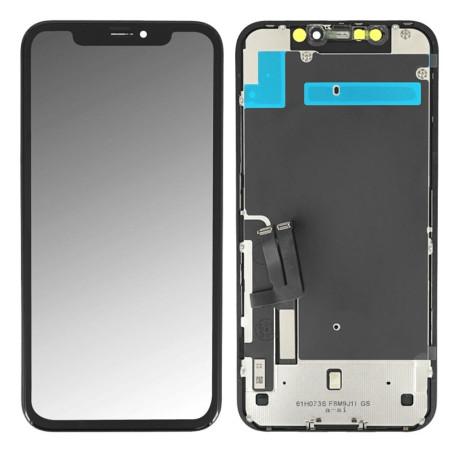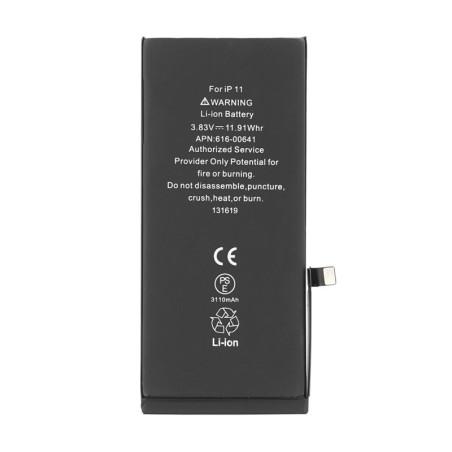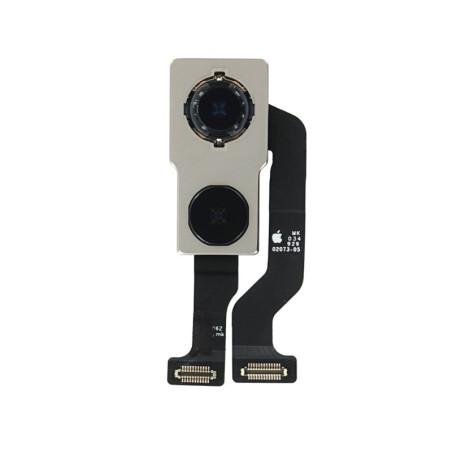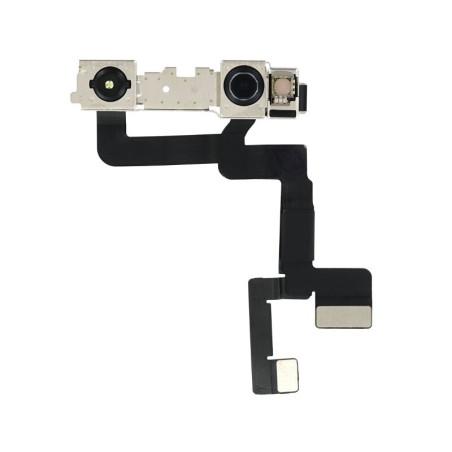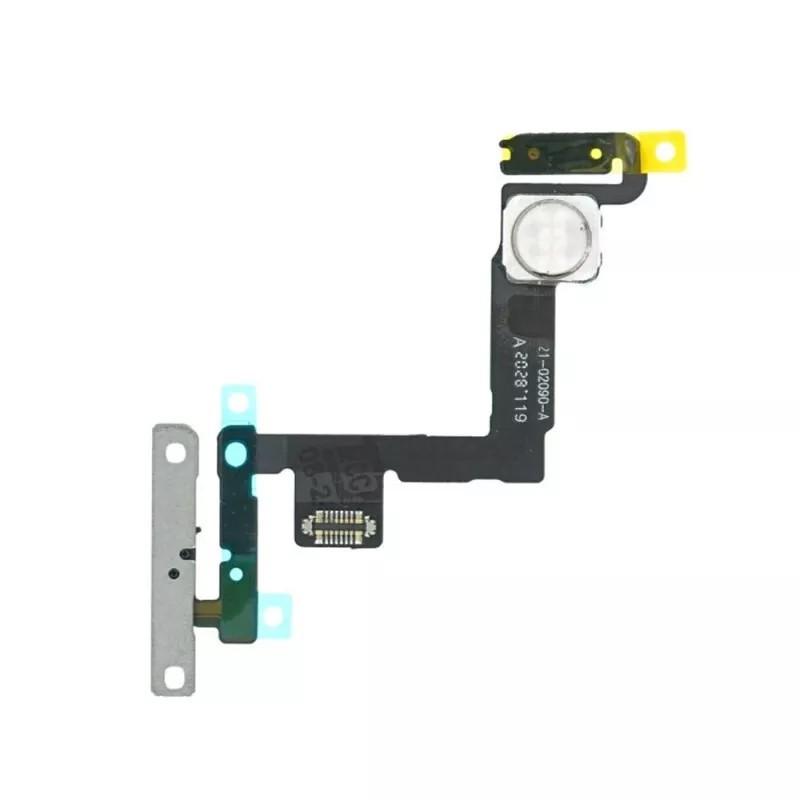
IPhone 11 Power Button + Flash Cable
Replace a faulty flex cable with this Power Button + Flash Flex Cable compatible with iPhone 11 , designed to restore the essential functions of your device. This high-quality component ensures smooth operation of the power button and the rear flash , ideal for a professional repair . Perfect for fixing button response issues or a non-functional flash, this flex cable offers a precise and durable installation. Choose this part to extend the life of your iPhone 11 and regain all its functionality.
Accessories
This power button flex cable with flash for iPhone 11 is an essential component to restore the power and lighting functions of your device. Ideal for replacing a damaged flex cable, this compatible product guarantees a reliable repair, restoring your phone to its original performance.
Technical characteristics:
- Total compatibility: Designed specifically for the iPhone 11, ensuring precise and reliable integration.
- Restored features:
- Power button: Allows you to turn your phone on and off quickly.
- LED Flash: Restores powerful lighting for photos and flashlight.
- High-Quality Materials: Ensures increased durability and longevity.
- Precise Design: Integrates perfectly with other internal components of the iPhone 11.
Why choose this power button + flash flex cable for iPhone 11?
- Reliable Repair: Replace a worn or defective cable to restore essential functions.
- Complete Restoration: Ensures optimal operation of the power button and flash.
- Quality and Compatibility: Made to perfectly fit the iPhone 11 model, ensuring a successful repair.
- Affordable Cost: An economical solution to extend the life of your phone.
When to replace this cable on your iPhone 11?
- Power Button Issues: If the power button is stuck, non-functional, or difficult to use.
- Faulty LED Flash: When the flash no longer works or is unstable.
- Physical Damage: Due to a fall or internal deterioration affecting the cable.
Installation Tips:
- Prepare the necessary tools: A precision kit is recommended to disassemble and reassemble your device.
- Position carefully: Make sure the cable is properly secured to ensure optimal operation.