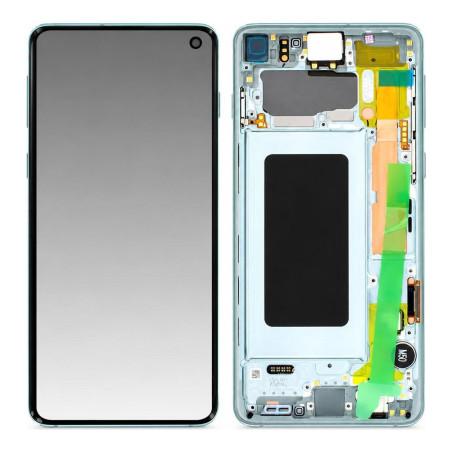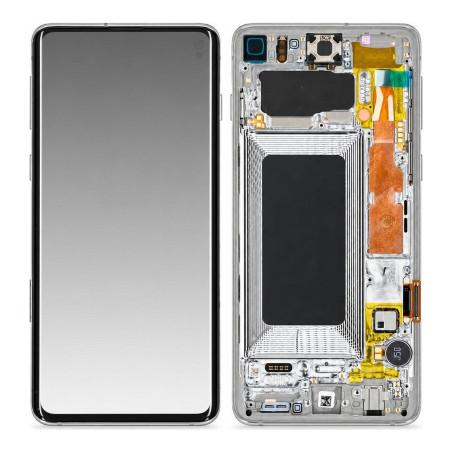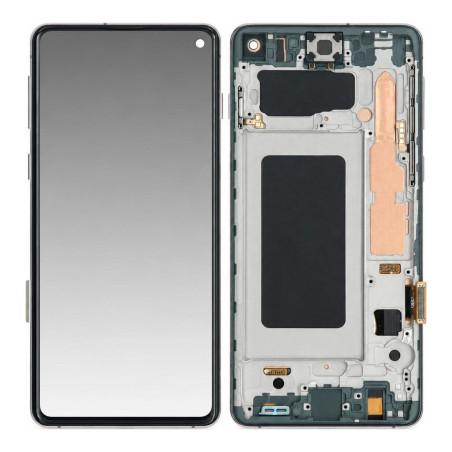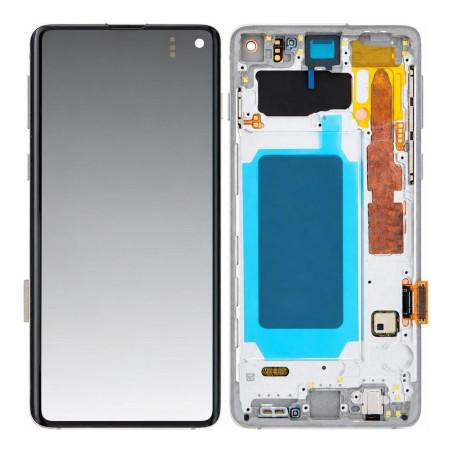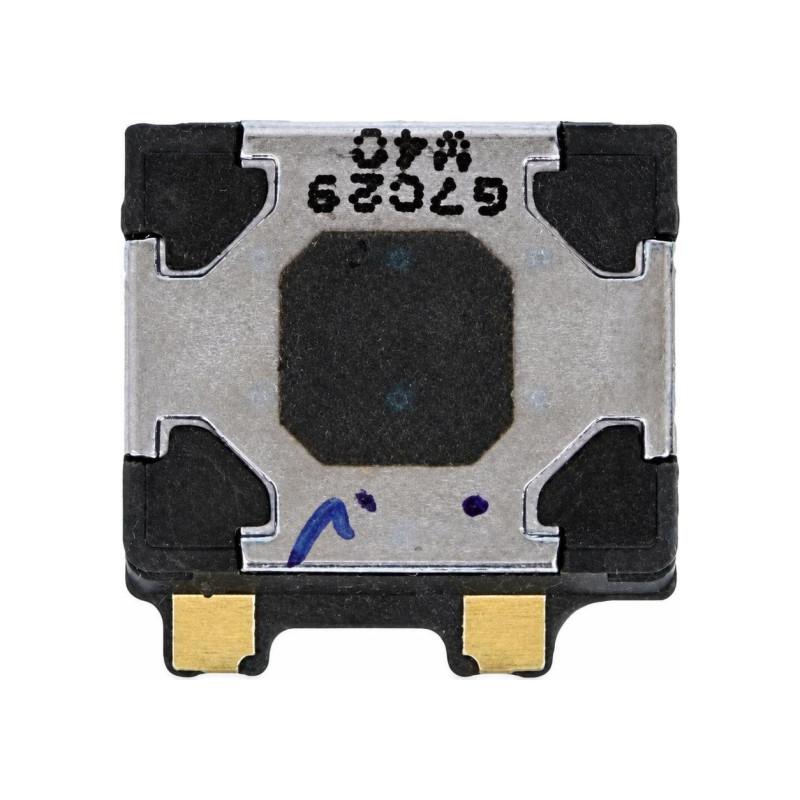
Internal Earphone Samsung Galaxy S10
Samsung Galaxy S10 Internal Speaker compatible, tested before shipment. This Premium part ensures clear audio playback during calls and video recordings. Supplied with 2-year warranty, it replaces a faulty, damaged or worn speaker.
Accessories
Compatible with Samsung Galaxy S10
This internal speaker is designed for the Samsung Galaxy S10. It is located at the top of the device and reproduces phone calls, sound notifications, and conference microphone audio. When the audio from your calls becomes inaudible, when the upper microphone no longer responds, or when you hear muffled sound during a conversation, this speaker restores the audio quality of the device.
How the speaker works and its location
The Galaxy S10 speaker occupies the upper part of the phone, near the proximity sensor. Unlike external speakers, this one is integrated directly into the chassis and functions like the conference microphone, emitting sound only during calls and certain system audio settings. A failure makes calls inaudible on the speaker side, forcing the user to activate the loudspeaker to hear their caller.
Installation and removal
Replacing the internal speaker requires partial disassembly of the device. The part connects via a flat ribbon cable to the main circuit. Cleaning the contacts beforehand may be sufficient to resolve a poor connection. In case of confirmed failure, the new speaker is installed by repositioning the connector and closing the phone. This operation requires care to avoid damaging nearby ribbon cables.
Compatible Quality and warranty
This speaker is a compatible part, manufactured to work with the Samsung Galaxy S10. It offers good value for money compared to original parts. It comes with a 2-year warranty from the shop, covering manufacturing and operational defects.
Verification before purchase
Before ordering, verify that the problem really comes from the internal speaker. Test the device in call mode, then plug in external headphones to confirm that sound works otherwise. If only the top speaker produces no sound, this part is suitable. In case of software failure, a restart or reset may sometimes be enough. This part replaces only the physical speaker, not the system audio settings.