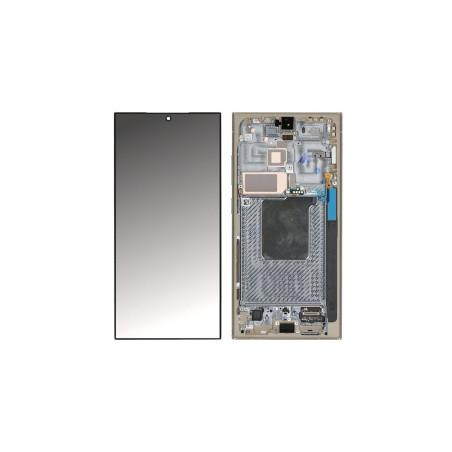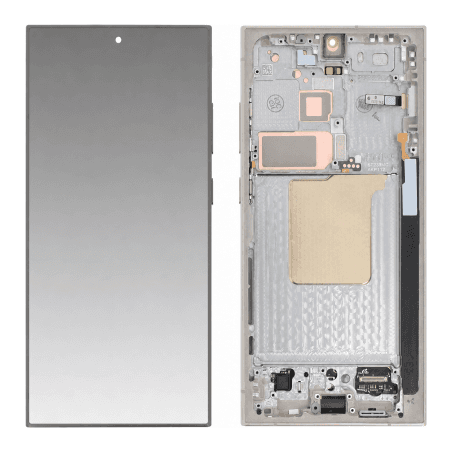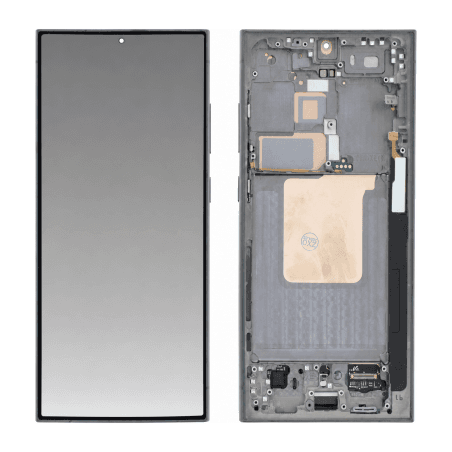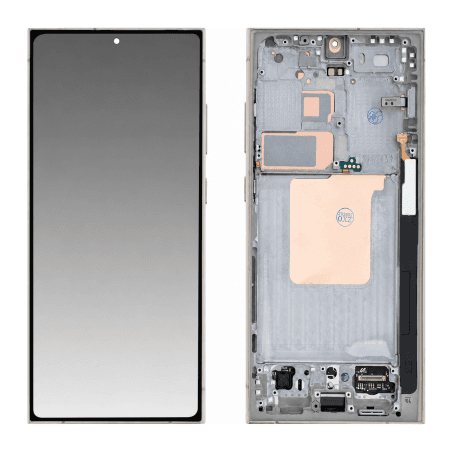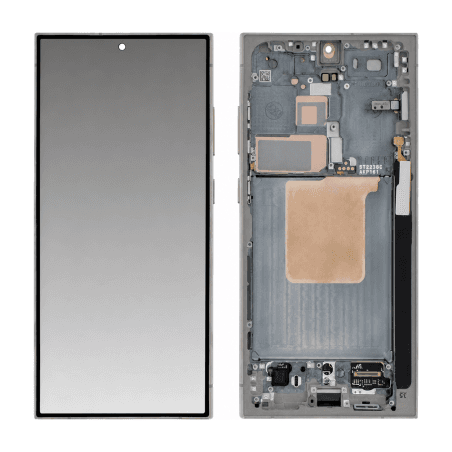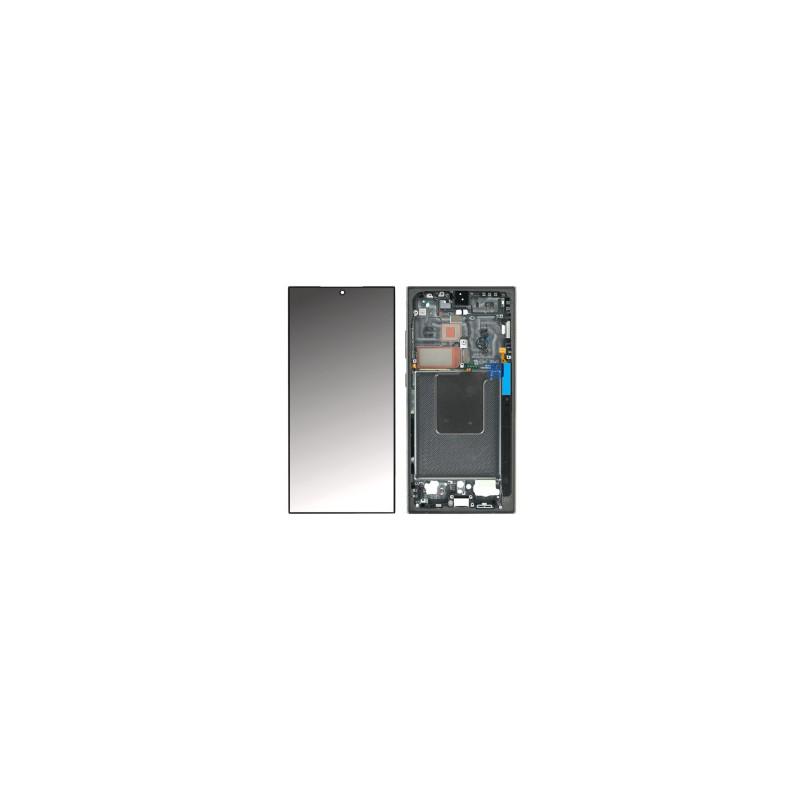
Complete Screen Samsung Galaxy S24 Ultra Titanium Black (Service Pack)
Original complete screen for Samsung Galaxy S24 Ultra, supplied in Service Pack and mounted on its frame. Dynamic AMOLED 2X panel, 6.8 inches, resolution 3088 × 1440 pixels at 500 ppi, 120 Hz refresh rate and HDR10+ technology for deep blacks and vibrant colors. Corning Gorilla Glass Victus 2 protection against scratches and impacts. Delivered ready to install, with pre-connected flex cable and all integrated sensors. Tested before shipping, 2-year warranty.
Accessories
Samsung Galaxy S24 Ultra Screen Titanium Black Service Pack
This Samsung Galaxy S24 Ultra Titanium Black complete screen is an original manufacturer part, delivered as a Service Pack. Service Pack packaging refers to official Samsung repair packaging designed for professionals: the part is new, never fitted, and arrives mounted on its frame, ready to install. All components - panel, touch glass, mid-frame - are factory-assembled and tested according to Samsung standards. The Titanium Black finish exactly matches that of the original device.
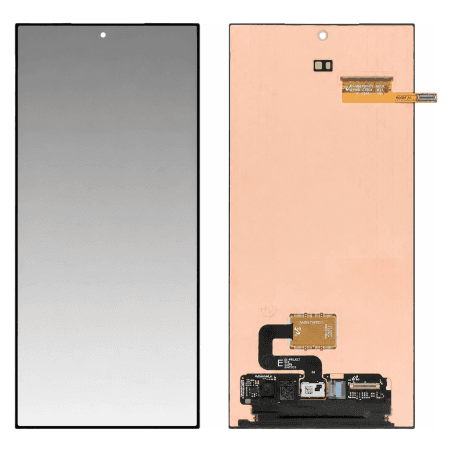
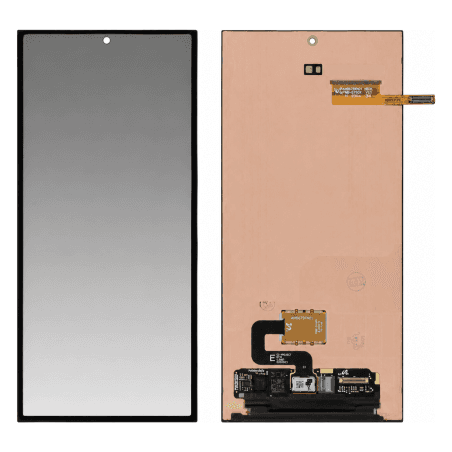
The panel uses Dynamic AMOLED 2X technology, the same as the new Galaxy S24 Ultra. It delivers a resolution of 3088 × 1440 pixels on a 6.8-inch diagonal, representing a density of 500 pixels per inch. The refresh rate reaches 120 Hz in adaptive mode: the display adjusts automatically according to the content shown, which makes scrolling smoother and reduces consumption on static screens. HDR10+ compatibility extends the dynamic range for compatible videos, with brighter whites and deeper blacks than on a standard HDR screen.
When to replace the Galaxy S24 Ultra screen
An impact can crack the glass without disrupting the display initially. Cracks allow moisture through: oxidation reaches the flex cables, and vertical lines appear a few weeks later. A dark spot spreading from an impact point indicates an AMOLED panel liquid crystal leak: it never goes away, and the affected area stops responding to touch. A screen that stays on in black, or displays colored bands at startup, indicates a broken flex cable between the panel and motherboard. In these three cases, only complete replacement restores display and touch.
A deep scratch on the glass does not usually penetrate the touch layer, but it diffracts light and makes reading difficult outdoors. A screen that responds to touch with a half-second delay, or registers phantom touches, indicates degradation of the capacitive matrix: replacement restores original responsiveness.
What the screen assembly contains
The package includes the Dynamic AMOLED 2X panel, touch glass, aluminum mid-frame and connection flex cables, all factory-assembled. The mid-frame carries the mounting points for the motherboard and side buttons: you transfer these elements from the old screen during installation. Corning Gorilla Glass Victus 2 protection covers the panel; it improves scratch and impact resistance compared to the previous Victus generation, but does not eliminate the need for a protective film once the repair is complete.
The part bears manufacturer reference GH82-33791A. No tools are supplied: removal of the old screen requires a plastic spatula, suction cup holder, set of Torx and Pentalobe screwdrivers, antistatic tweezers and a controlled heat source to soften the perimeter adhesive.
Installation and fitting precautions
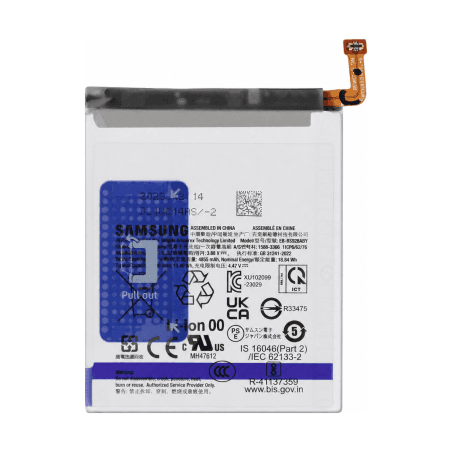
The Galaxy S24 Ultra is sealed with an adhesive gasket running around the entire screen perimeter. Heat softens this adhesive: heat the screen perimeter to 80°C for two minutes with a heating pad or low-set heat gun, then slide a thin spatula between the frame and glass. Progress slowly to avoid bending the panel, and clear the connection flex cables before lifting the screen. Disconnect the battery as soon as you open: a flex cable touched while powered can short-circuit the motherboard.
Clean adhesive residue on the rear frame with 99% isopropyl alcohol, then apply new double-sided adhesive gasket before clipping in the new screen. Reconnect the flex cables in reverse order of removal, then test display and touch before final closure: a connection fault detected after sealing requires reheating and reopening the device. Once installation is validated, press firmly around the screen perimeter for thirty seconds to ensure gasket adhesion.
Warranty and quality control
This Service Pack part is tested at Samsung factory before shipping. Each screen undergoes a display check, touch response test over the entire surface, and frame alignment verification. The store provides a 2-year warranty on this part, covering manufacturing defects and failures occurring during normal use. Excluded from this warranty are damages caused by a drop, impact, liquid infiltration after installation, or installation error.