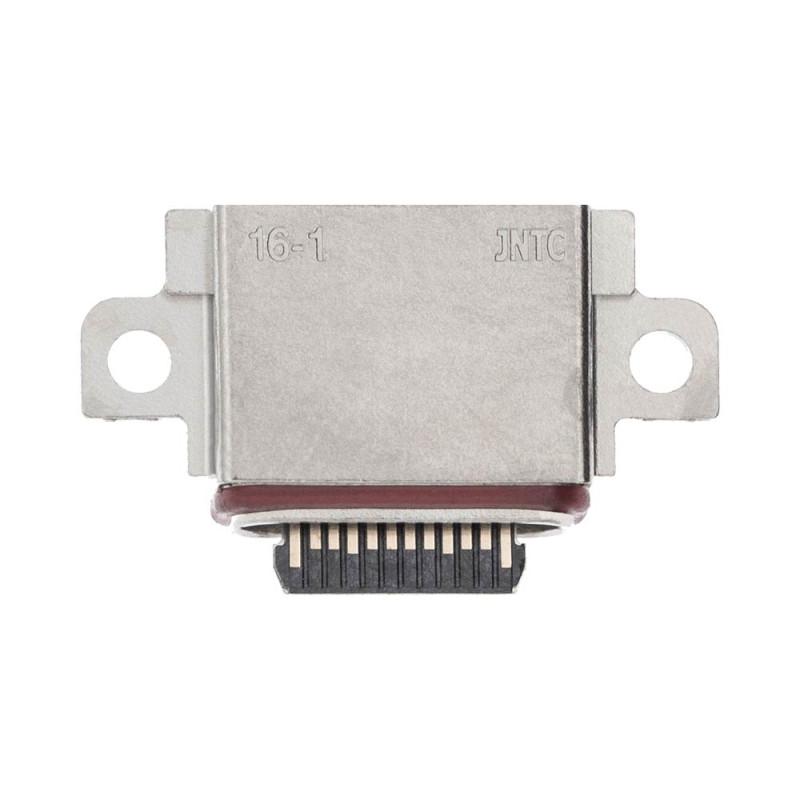
Charging Connector to Solder Samsung Galaxy S10
Samsung Galaxy S10 Charging Connector to Solder, original part to be soldered onto the motherboard. Compatible with the Galaxy S10 G973, this USB Type-C connector restores charging function after damage to the original port. 2 year warranty on this part tested before shipment, ideal for workshop repairs or for technicians equipped with micro-soldering equipment. Shipped alone, without accessories.
Accessories
When to Replace the Charging Connector
The soldered charging connector of the Samsung Galaxy S10 gradually wears out with repeated connections. You know it needs to be changed when the phone no longer charges, even when moving the cable in all directions, or when charging stops at the slightest movement. Sometimes only part of the contact pins still work: the phone charges slowly, or fast charging no longer detects the device. These symptoms indicate that the internal contacts are oxidized or worn, and only replacement solves the problem.
This connector ensures the electrical connection between the USB Type-C port and the motherboard. Unlike a port engraved directly on the circuit, this one solders in place of the old one. It is a workshop intervention that requires micro-electronics equipment, but it is more reliable than a port that gradually desolders from the circuit.
Compatibility with Samsung Galaxy S10
This part is designed for the Samsung Galaxy S10. Check that your device bears the reference G973 under the Samsung logo, at the bottom of the rear cover. The supplier also offers versions for the Galaxy S10e (G970), Galaxy S10 Plus (G975) and Galaxy S10 5G (G977), but each model has its own connector: they are not interchangeable. If you own another Samsung model, consult the sheet that corresponds to it.
What the Package Contains
You receive the charging connector only, ready to be soldered. No tools or solder flux are included. This part conforms to the standard Samsung USB Type-C port and bears the EAN 3000000414132 to verify the order.
Installation and Precautions
Replacing the charging connector requires electronic soldering equipment and great precision. You must remove the battery, remove the old part by desoldering, then solder the new connector by perfectly aligning the pins. A cold solder or misalignment makes the port unusable and can damage the motherboard. This intervention is not recommended without experience. Entrust it to an authorized repair workshop if you do not have the necessary skills and equipment.
Warranty and Quality Control
The shop grants a 2-year warranty on this part. Before soldering, check that the connector has no manufacturing defects: broken pins, worn or deformed contacts. Once soldered, it cannot be returned. Inspection upon receipt is your only protection.